2-46 BBP
®
33 Sign & Label Printer
User’s Manual
Brady Network Cards
Installing a Brady Network Card
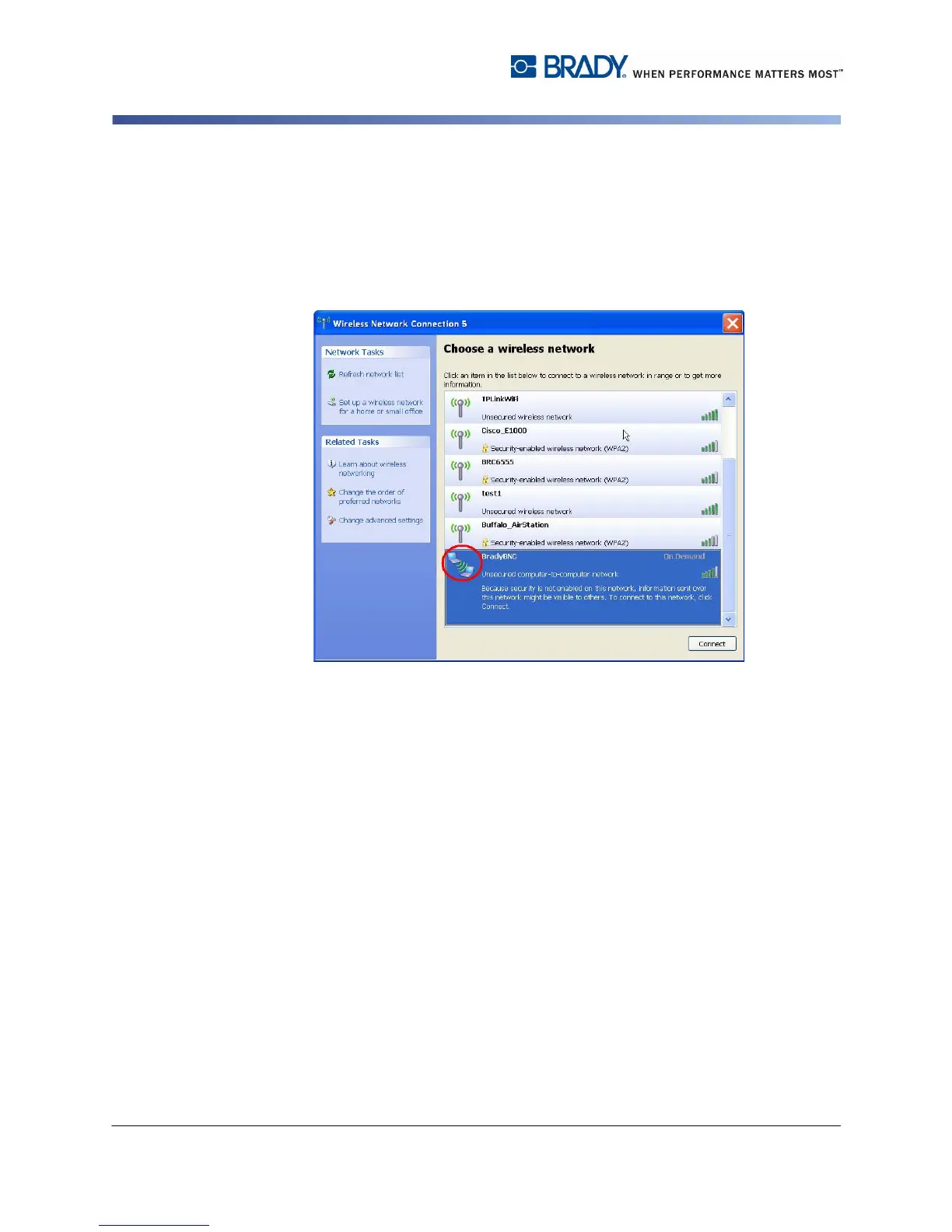
To view wireless networks detected by the PC:
1. Choose Start>Connect To>Wireless Network Connection>View Wireless
Networks.
2. Click the SSID (network name) entered previously. The icon indicates that it is
a peer-to-peer connection.
3. Click Connect. The adhoc connection is established.
Install Network Driver
To install network drivers, refer to Steps 1 through 13 in “Install Additional PC’s
using Brady Network Card Utility” on page 2-34).



 To Next Page