BBP
®
33 Sign & Label Printer
User’s Manual
2-59
Brady Network Cards
Using Brady Network Card Configuration Utility
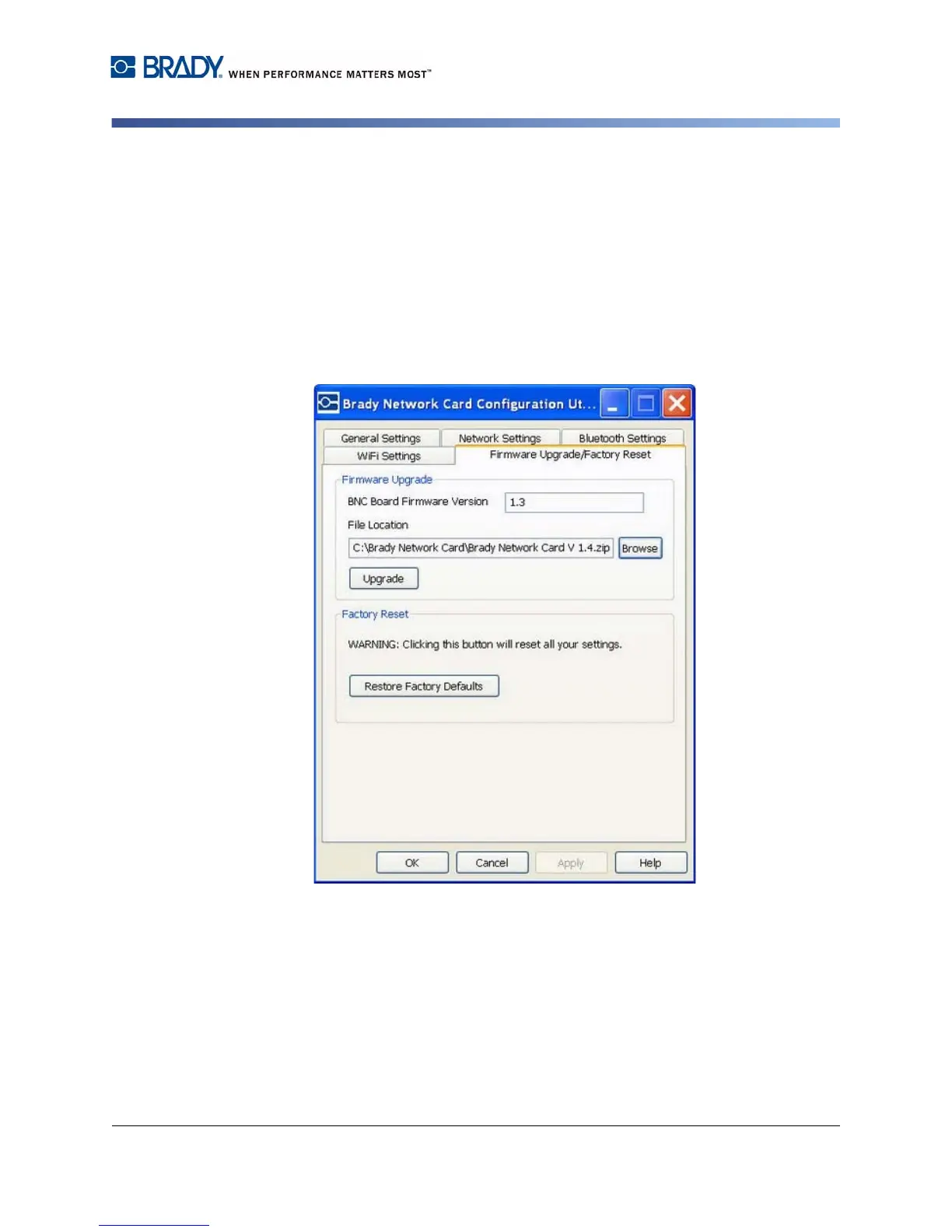
Factory Reset
To return all settings to the original Factory settings (defaults):
1. On the Firmware Upgrade/Factory Reset tab of the Configuration Utility, click
Reset to Factory Defaults. A warning message displays indicating all
previous defined settings will be removed.
2. Click OK on the warning message.
3. Click OK on the dialog box to accept the changes and exit the dialog box. The
previous settings are removed.
4. You can now reconfigure the network and card configurations.



 To Next Page