2-58 BBP
®
33 Sign & Label Printer
User’s Manual
Brady Network Cards
Using Brady Network Card Configuration Utility
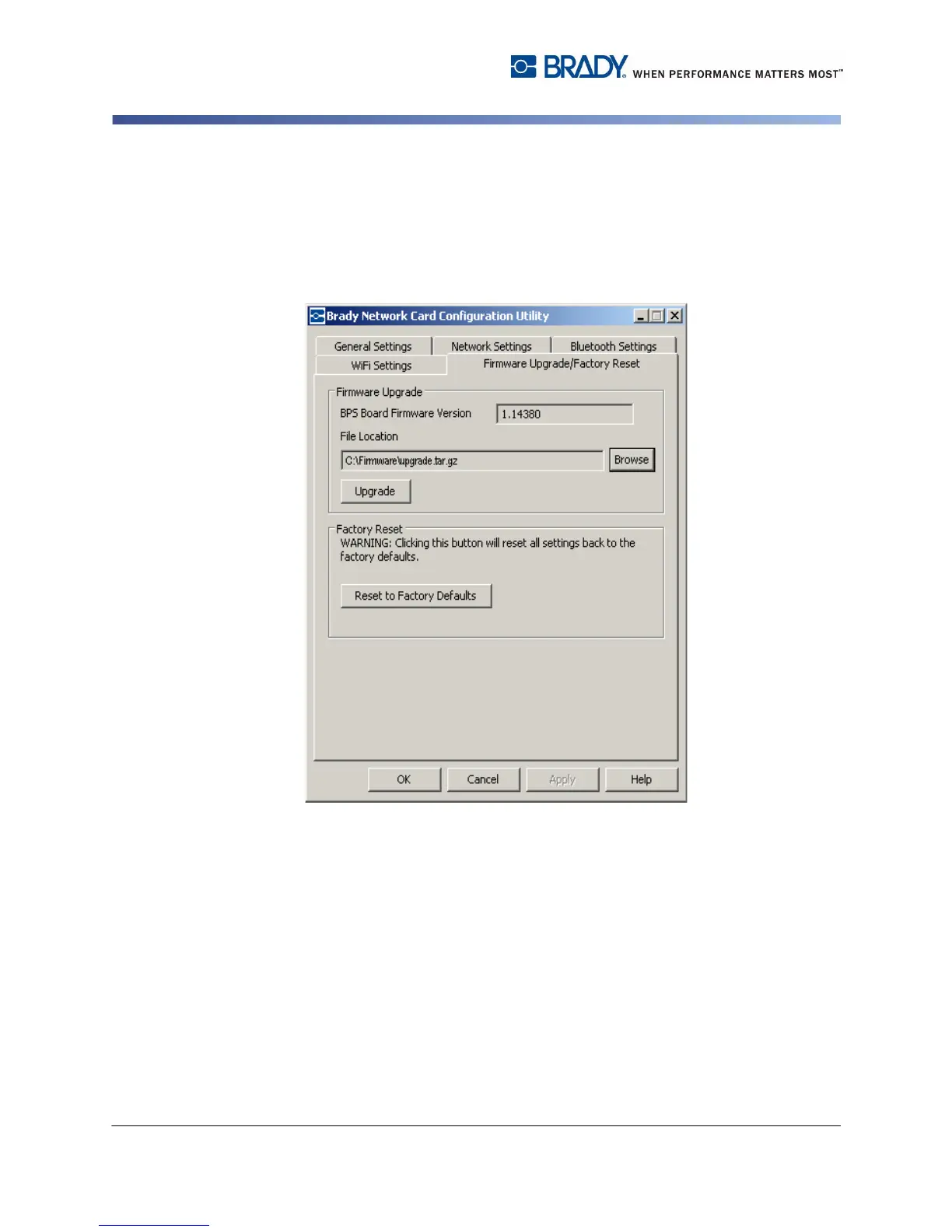
7. On the Firmware Upgrade tab of the Configuration Utility screen, click
Browse.
8. Find the directory in which you saved the download ZIP file, then click Open.
9. On the Firmware Upgrade/Factory Reset tab, click Upgrade. The upgrade
program information is automatically installed on your system.
10. Click OK to accept changes and exit the dialog box.



 To Next Page