BBP
®
33 Sign & Label Printer
User’s Manual
4-11
Printer Maintenance
Cleaning the Printer
Clean Exit Area (Tearbar only)
To clean the exit chute:
1. If necessary, remove power and media from the printer (see “Removing
Power and Media from Printer” on page 4-1).
2. Open the enclosure cover.
3. Close the ribbon cover (it does not need to snap into place).
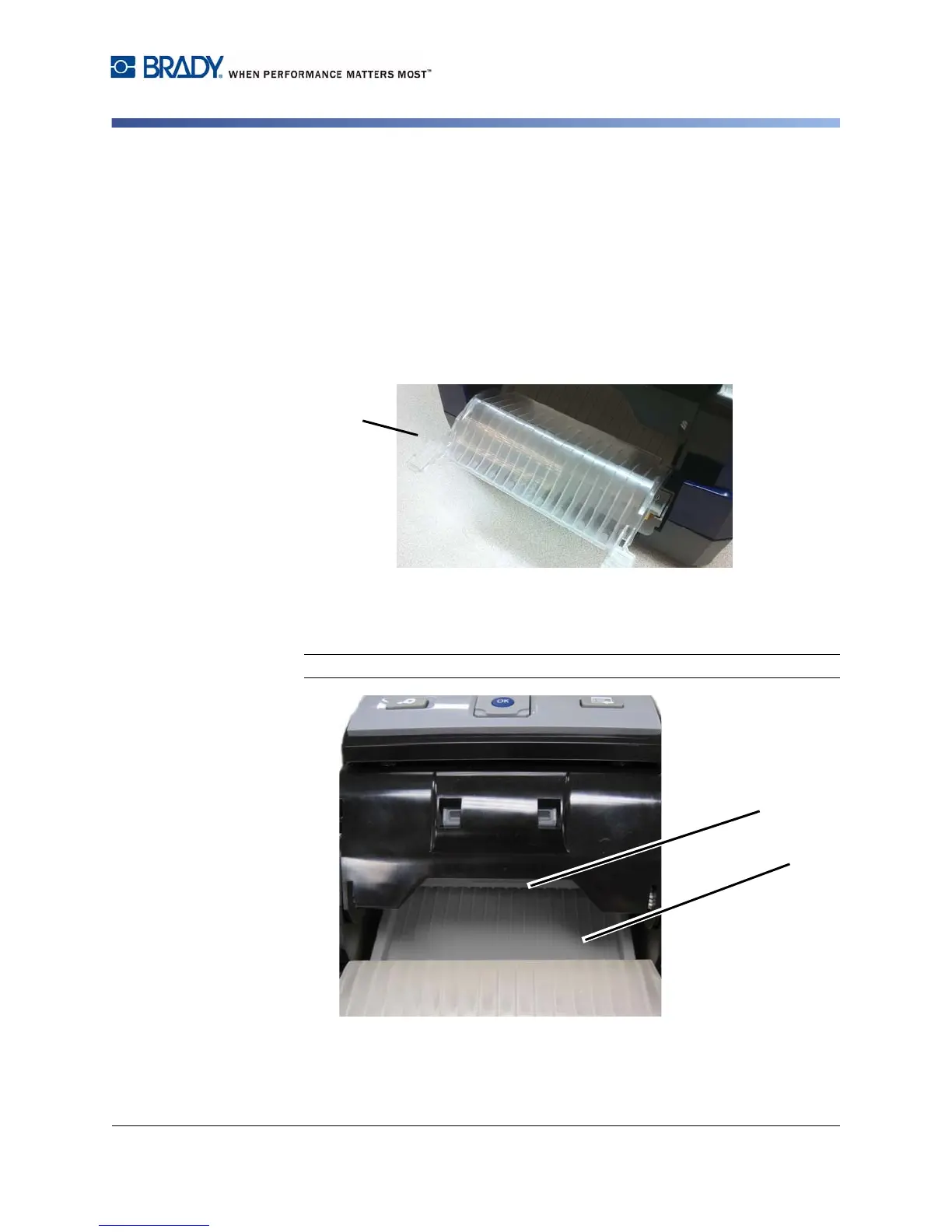
4. Remove the exit-ramp cover [4] by lifting and pulling the ramp cover forward
until it slides down the exit ramp. Do not completely remove the exit-ramp
cover.
5. Use compressed air to remove debris from the slots in the exit ramp.
6. Use a swab moistened with isopropyl alcohol to clean the slots on the exit
chute entrance [6a] and the exit chute ramp [6b].
Note: To reach all areas of the exit chute, you may need to tilt the printer up.
7. Replace the ribbon and tape.
8. Close all covers and plug in the power cord.



 To Next Page