BBP
®
33 Sign & Label Printer
User’s Manual
2-5
Unpack and Set up Printer
Set up the Printer
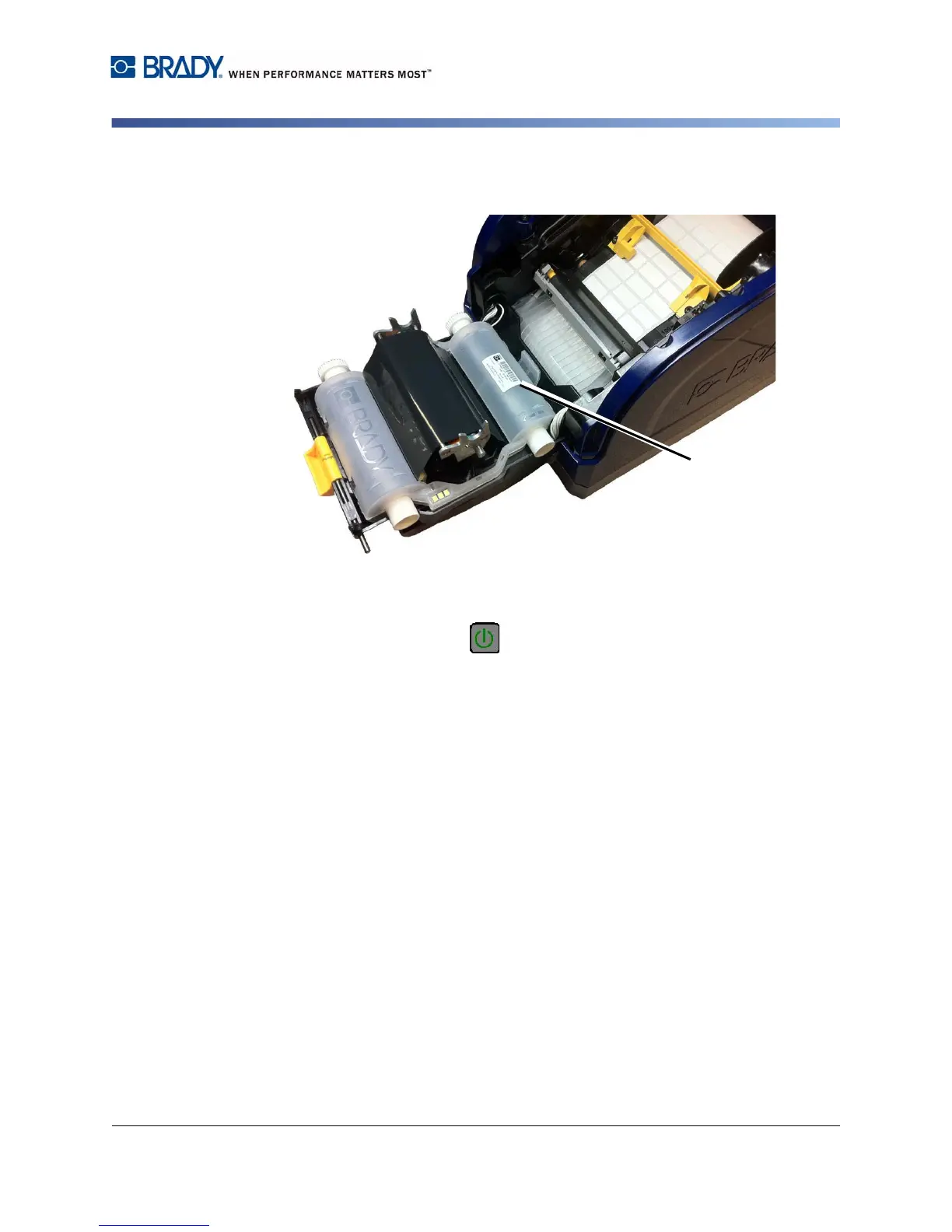
4. Place ribbon cartridge with ribbon over print head [4] and the product label
toward machine, then snap into place.
5. Close and latch the ribbon cover.
6. Close the enclosure cover.
7. If printer was off, press . The system detects the media and ribbon colors
and sets the amount of remaining supplies.



 To Next Page