2-8 BBP
®
33 Sign & Label Printer
User’s Manual
Unpack and Set up Printer
Set up the Printer
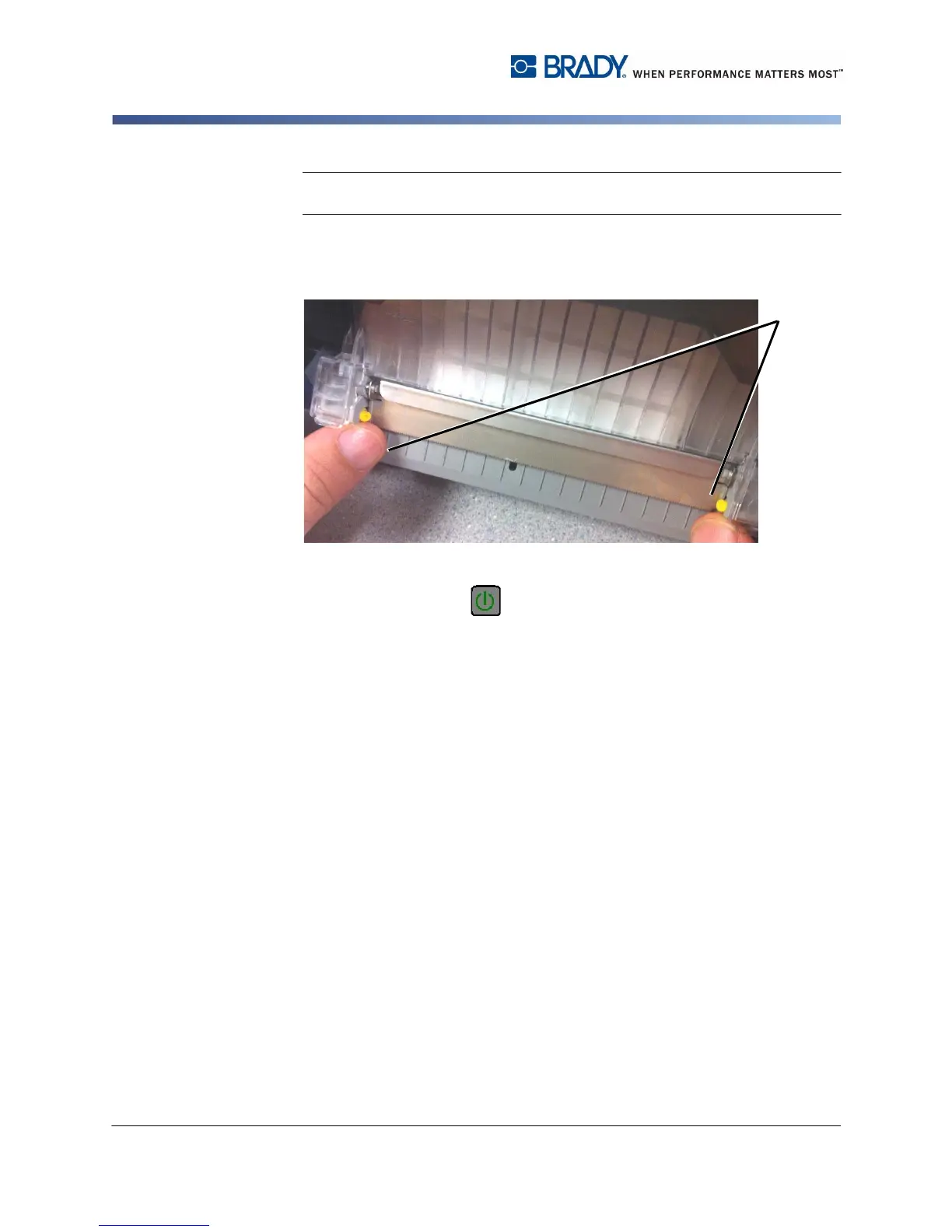
Note: When sleeve material is used, the tearbar should be released so the
material does not catch on the tearbar when the material is retracted.
11. If sleeve material is installed, release the tearbar by moving the two release
tabs [11], one each side, toward the outer edge. The tearbar will automatically
flip up.
12. Close the enclosure cover.
13. If printer was off, press . The system detects the installed supplies and
indicates the amount of remaining supplies on the display screen.



 To Next Page