BBP
®
33 Sign & Label Printer
User’s Manual
2-11
Print Two-sided Sleeve Material
Feeding and Cutting Label Stock
Note: Make sure you place the edge for the starting (1st) label into the printer
first.
7. From the back of the printer, feed the edge of the marker
through the slot
between the enclosure cover and the printer
as follows:
• Starting marker (1st printed label) through slot first
• Printed side down
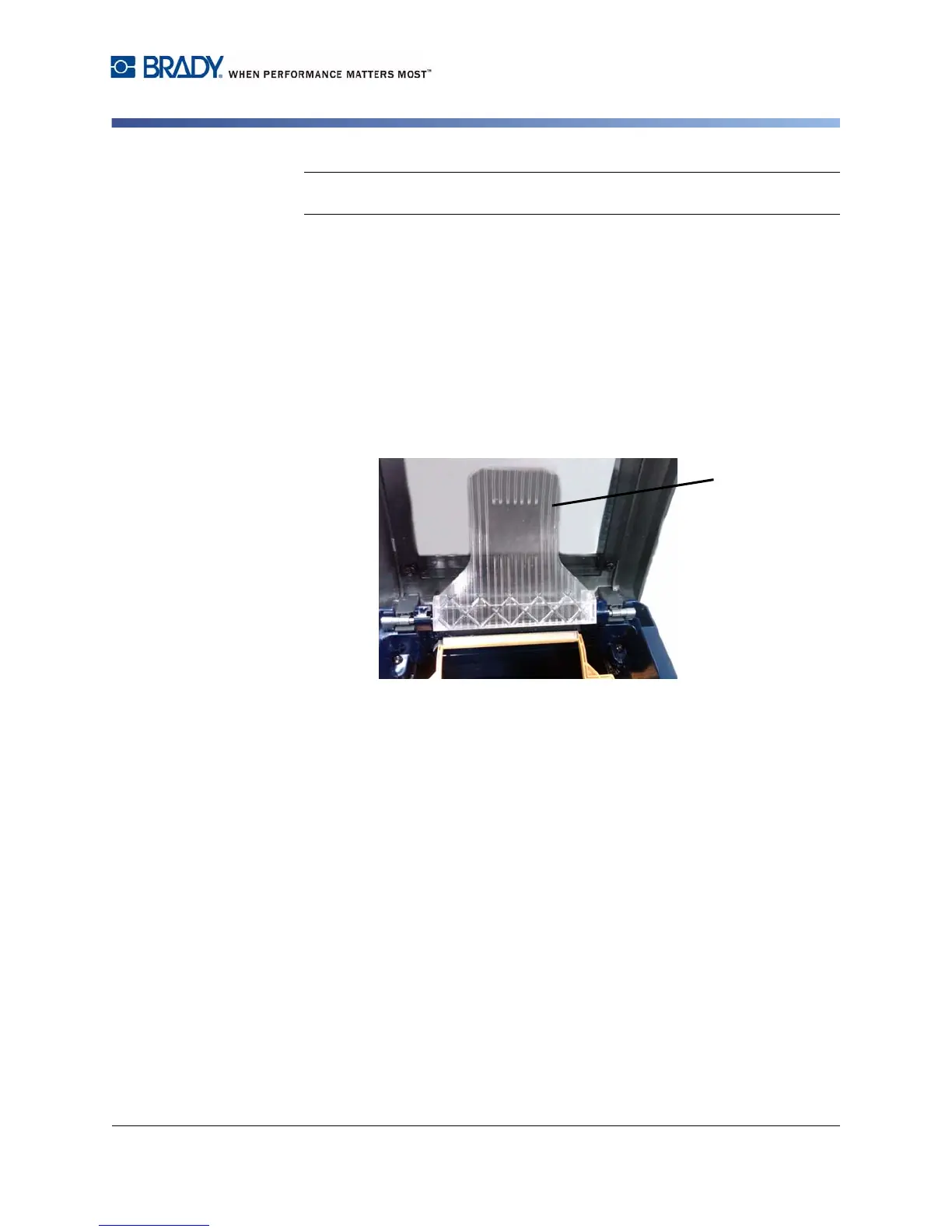
8. Lay the markers over the media bridge and feed the markers to the top of the
black roller ~.25 in. (6.35 mm) from the exit.
9. Close the ribbon and enclosure covers and print side two of the markers.
10. When the job is complete, open the enclosure and ribbon covers.
11. Lift the media bridge [11] up and snap into place on the enclosure cover.
12. Close the enclosure cover.



 To Next Page