BBP
®
33 Sign & Label Printer
User’s Manual
2-21
Brady Network Cards
Installing a Brady Network Card
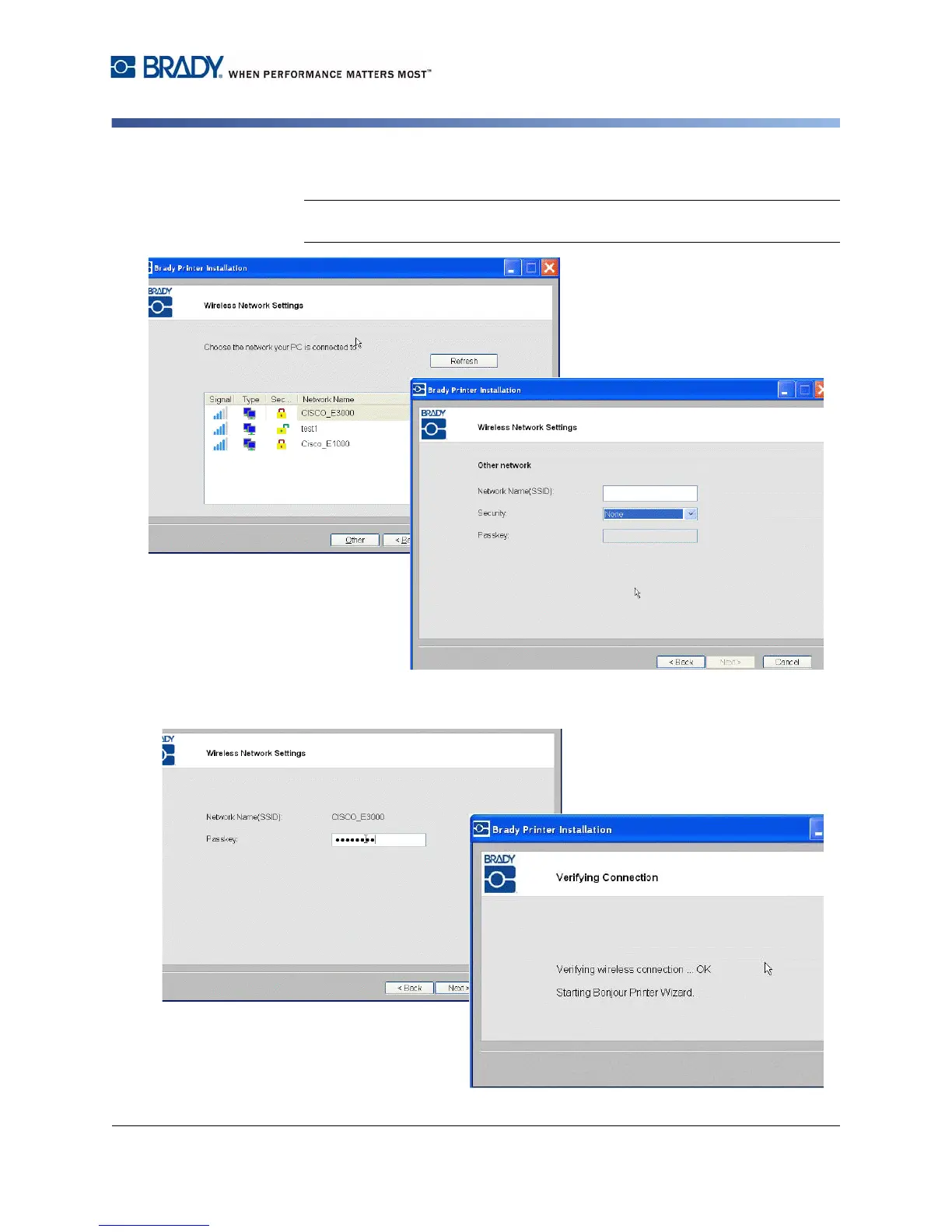
18. Choose the network that your PC is currently connected to, then click Next.
Note: If you do not see your network in the list, you can choose Other to
manually specify a network.
19. Enter the passkey for the selected network (if you do not know the password
or security type, contact your network administrator), then click Next.



 To Next Page