BBP
®
33 Sign & Label Printer
User’s Manual
2-23
Brady Network Cards
Installing a Brady Network Card
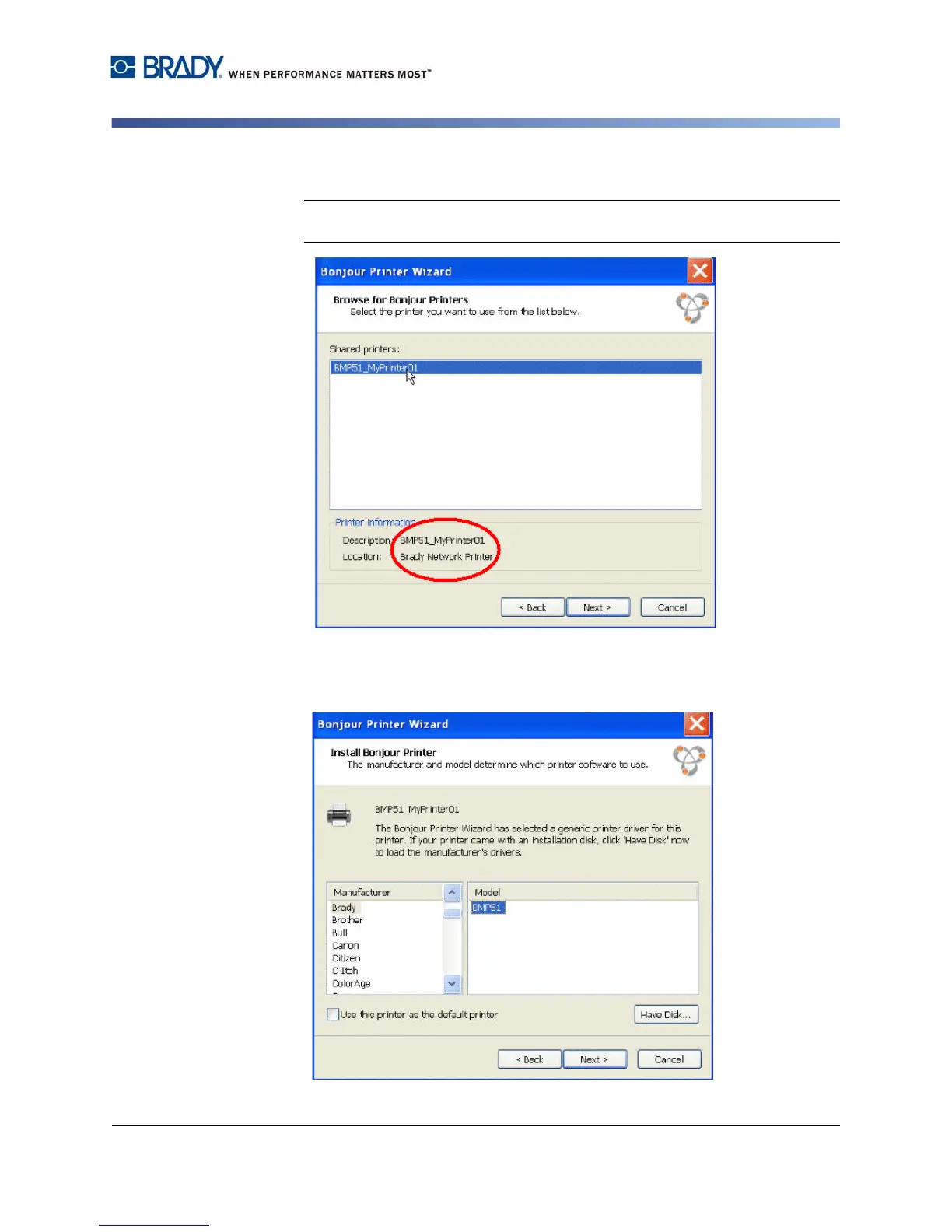
23. Click the assigned network printer name, then click Next.
Note: For easier identification, the name or description you assigned in Step
14. displays in the lower left corner of the screen.
24. In the Manufacturer field, click Brady (the manufacturers are listed in
alphabetical order).
25. In the Model field, click the printer to install, then click Next.



 To Next Page