BBP
®
33 Sign & Label Printer
User’s Manual
2-25
Brady Network Cards
Installing a Brady Network Card
Install Ethernet (first time)
Use this installation process:
• if you have just purchased the printer and are setting it up for the first time.
• if you intend to send print jobs to the printer from a PC using Ethernet or over
a LAN network.
Note: The Brady Network Card is configured to support either Ethernet or WiFi
connections. You cannot have both connections active at the same time.
To activate the Ethernet connection:
1. Make sure your printer and your PC are not connected with a USB cable.
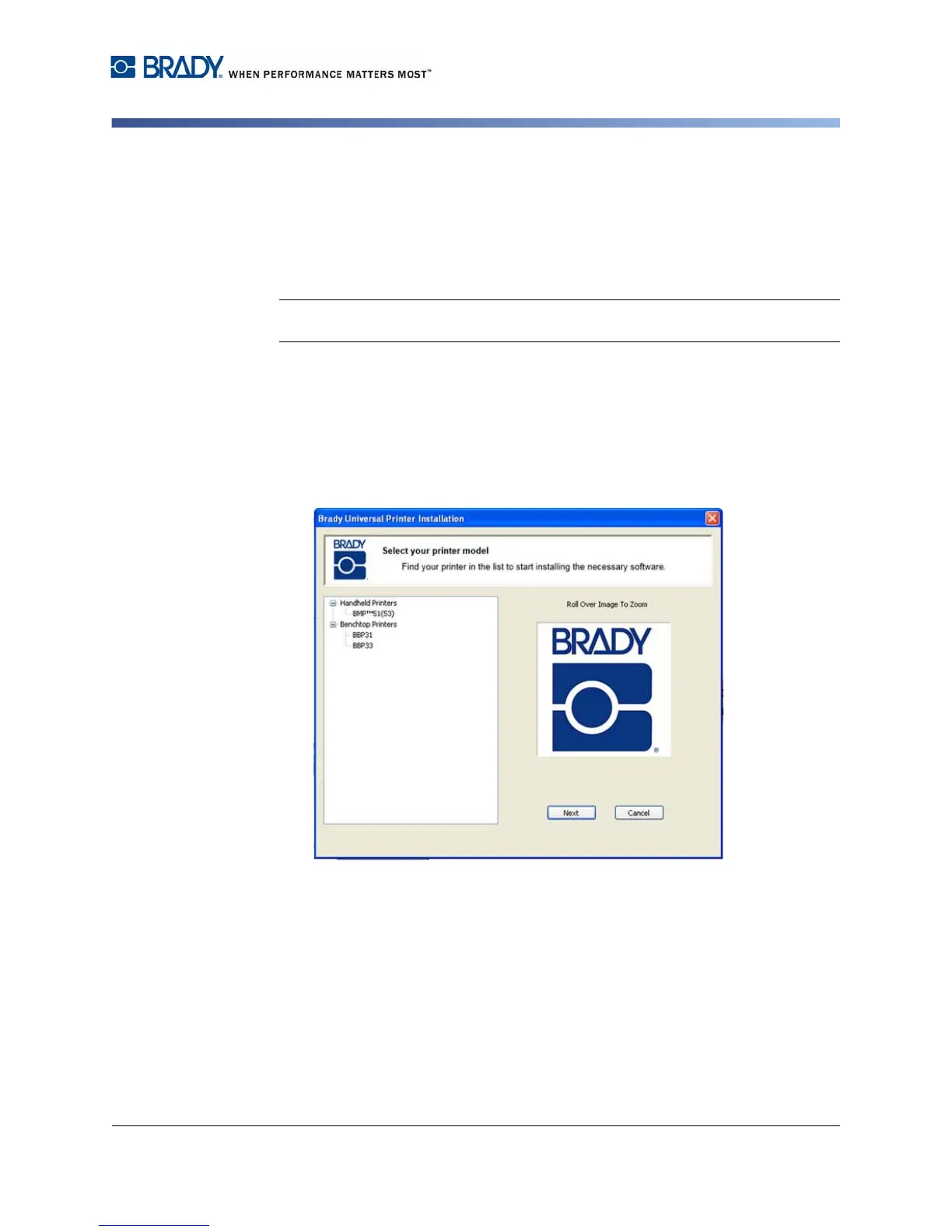
2. Insert the Brady Printer Drivers CD into your computer CD drive. The
installation wizard launches automatically.
3. Turn the printer on.
4. Click printer model you are installing, then click Next.



 To Next Page