BBP
®
33 Sign & Label Printer
User’s Manual
2-29
Brady Network Cards
Installing a Brady Network Card
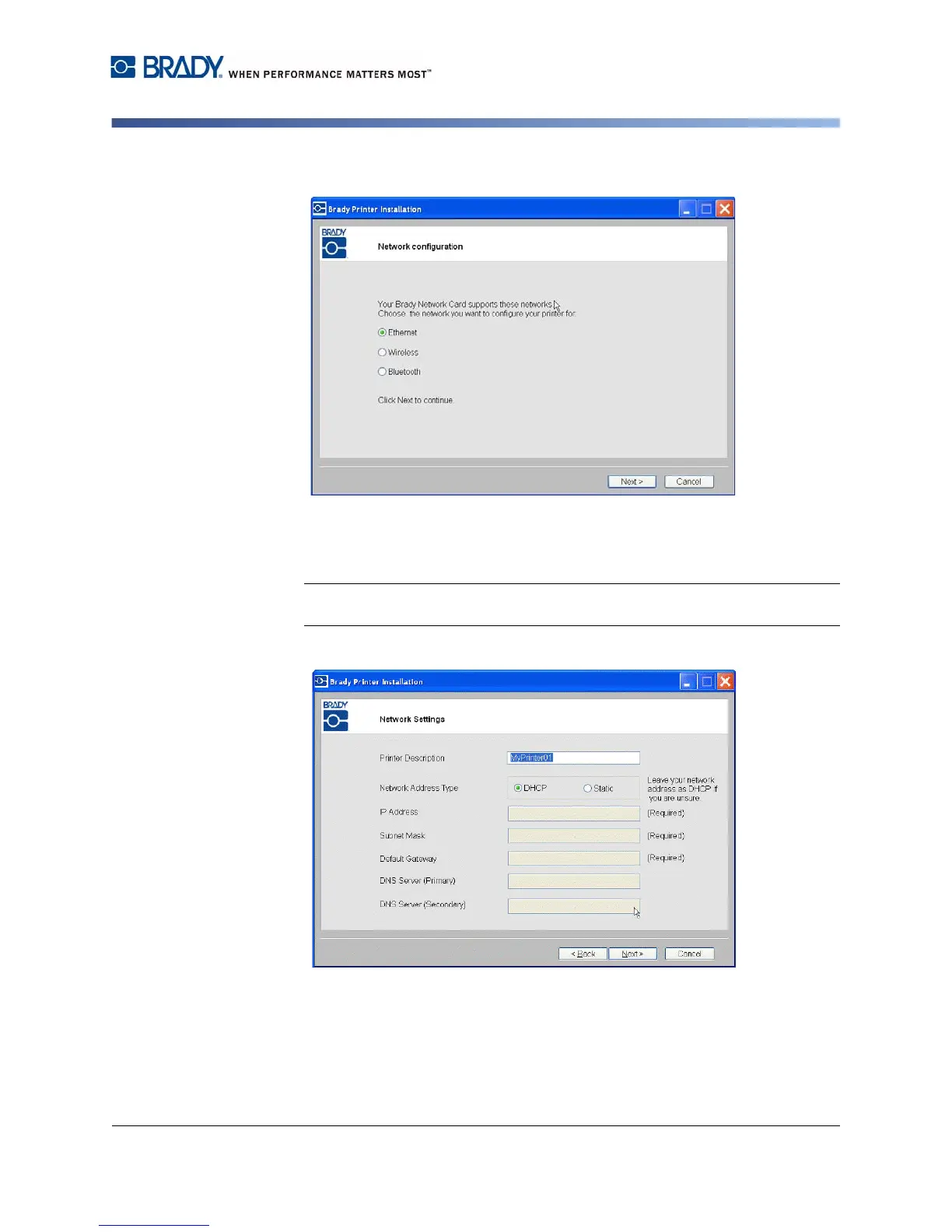
13. Click the radio button for Ethernet, then click Next.
14. In the Printer Description field, enter an easy-to-identify name/description for
this network connection. You can use any alphanumeric characters.
15. In the Network Address Type field, choose the default DHCP protocol.
Note: If you choose Static, you must enter the IP Address, Subnet Mask and
Default Gateway fields.
16. Click Next.



 To Next Page