BBP
®
33 Sign & Label Printer
User’s Manual
2-35
Brady Network Cards
Installing a Brady Network Card
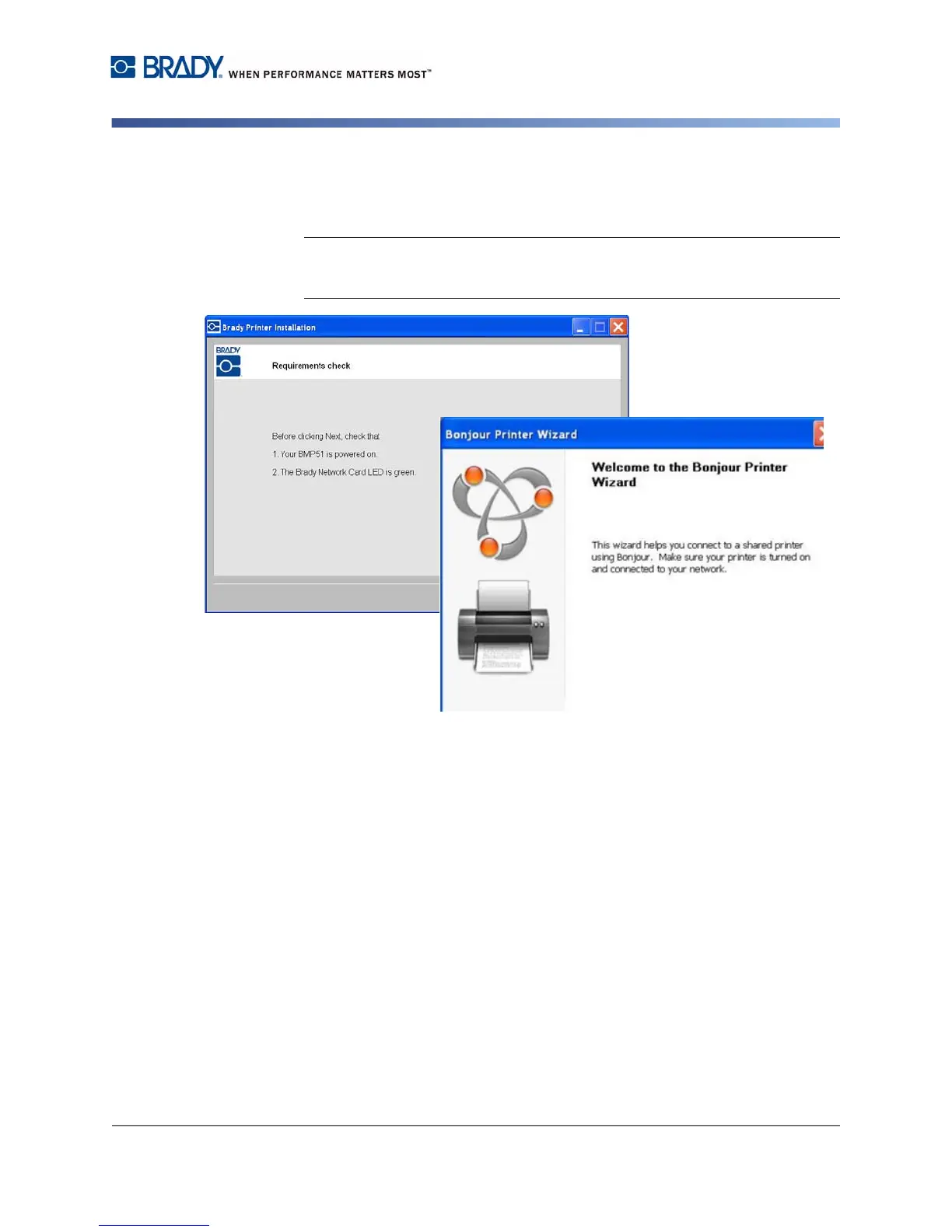
4. Verify that the printer is powered on and the Brady Network Card is
functioning properly (green light is on), then click Next. The Bonjour wizard
lauches automatically.
Note: The Bonjour program is designed to establish and monitor network
printers. The Bonjour Printer Wizard establishes your Brady printer as a
network printer.
5. Click Next.



 To Next Page