BBP
®
33 Sign & Label Printer
User’s Manual
2-41
Brady Network Cards
Installing a Brady Network Card
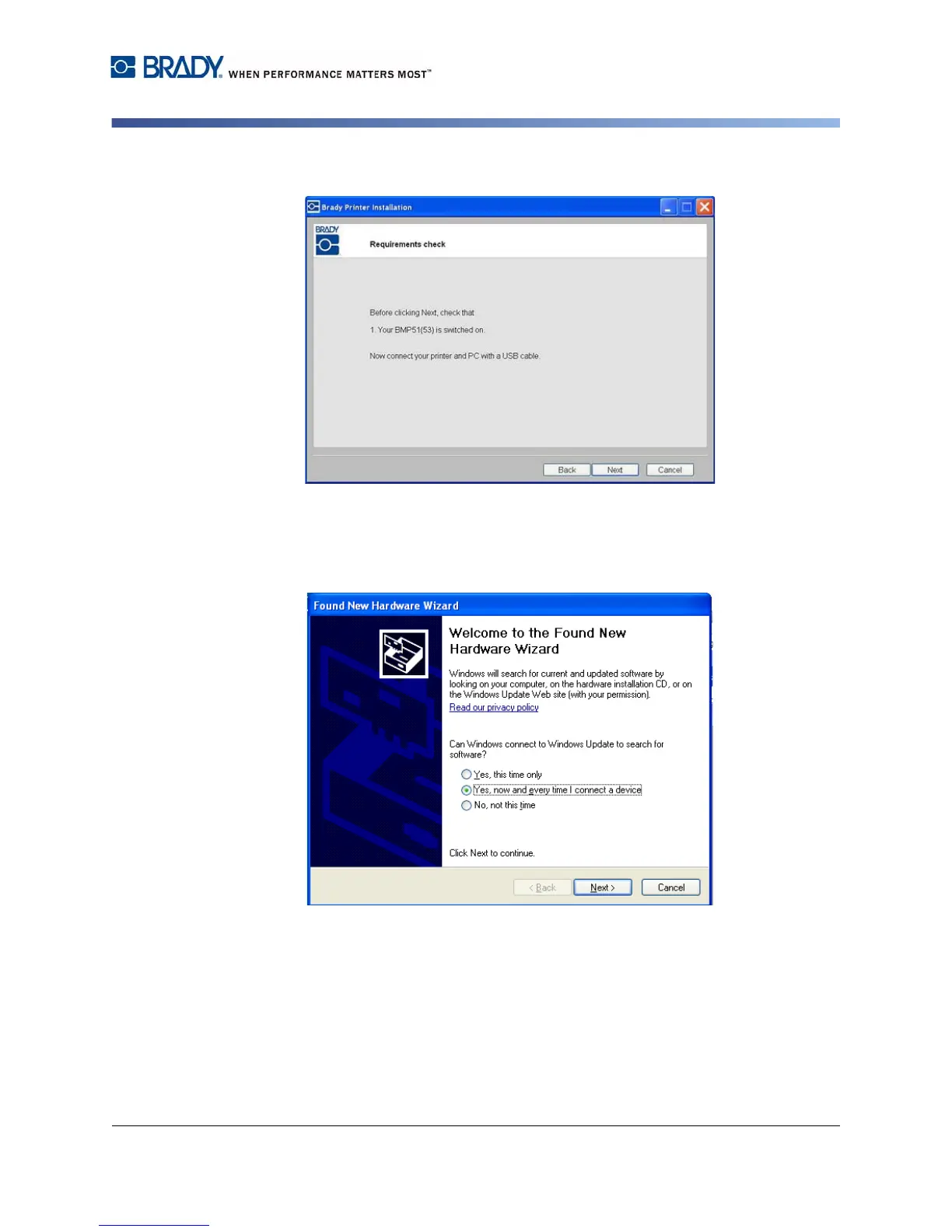
7. Connect the printer to your PC with a USB cable.
8. If the Found New Hardware Wizard displays, continue with the next step,
otherwise skip to Step 10.
9. Click the radio button Yes, now and every time I connect a device, then
click Next.



 To Next Page