Brooks Automation 2. Introduction to the Hardware
Part Number: 603988 Rev. A Machine Safety
Please consult the user manuals for these PreciseFlex™ robots for when speed restrict safety
zones must be defined to safely operate these mechanisms.
Configuring Safe Zones
Up to 10 safety zones can be defined per robot. Each of these zones is specified by filling in one of
the Parameter Database IDs 16900 to 16909, which are labeled "Safety Zone: type, x/y/z/y/p/r, dim
1/2/3". Any combination of certified and uncertified safety zones can be specified. Each of these
DataIDs consists of an array of 10 numbers and the first value defines the safety zone “type”. Any
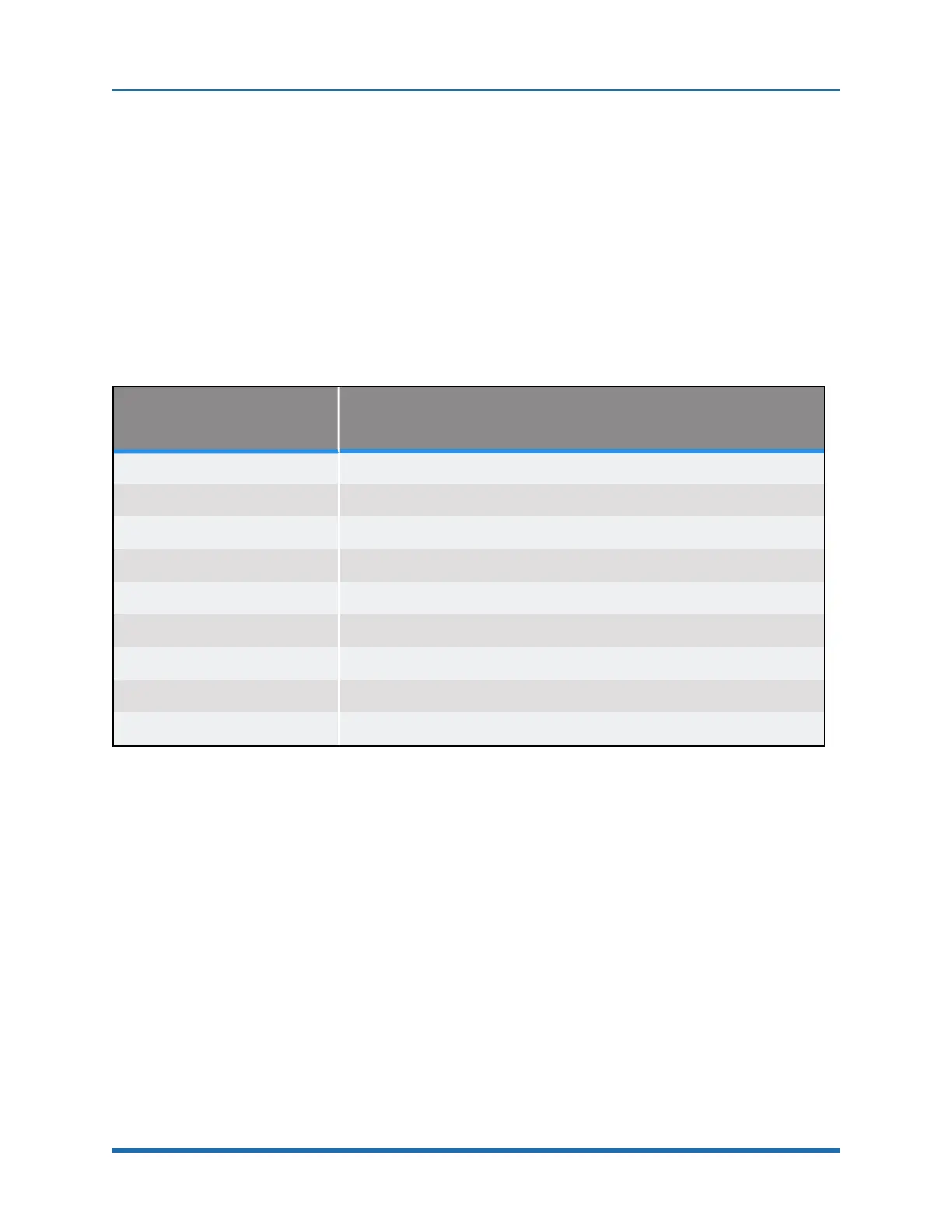
DataID that has a zero “type” is ignored. Table 2-2 describes the possible safety zone types:
Safety Zone Type Description
0. Undefined safety zone
1.
Rectangular volume, keep out zone
2.
Cylinder, keep out zone
3.
Sphere, keep out zone
4.
Rectangular volume, stay within zone
5.
Cylinder, stay within zone
6.
Sphere, stay within zone
7.
Non-rotated rectangular volume, Z downward speed restrict zone
8.
Non-rotated rectangular volume, XY speed restrict zone
Table 2-2: Safety Zone Types
Table 2-3 describes the safety zone DataIDs. When any of these DataIDs are modified, the
controller must be rebooted for the change to be put in effect.
Copyright © 2023 Brooks Automation, Inc.
31



 To Next Page