Sensor Configuration and Numbering
SMART MATRIX - 2-16 -
Single Sensor Numbering
To number a single sensor (for instance in case of sensor replacement) operate as follows:
• Carry out all the operations described for sensor
configuration and numbering until the sensor map
appears.
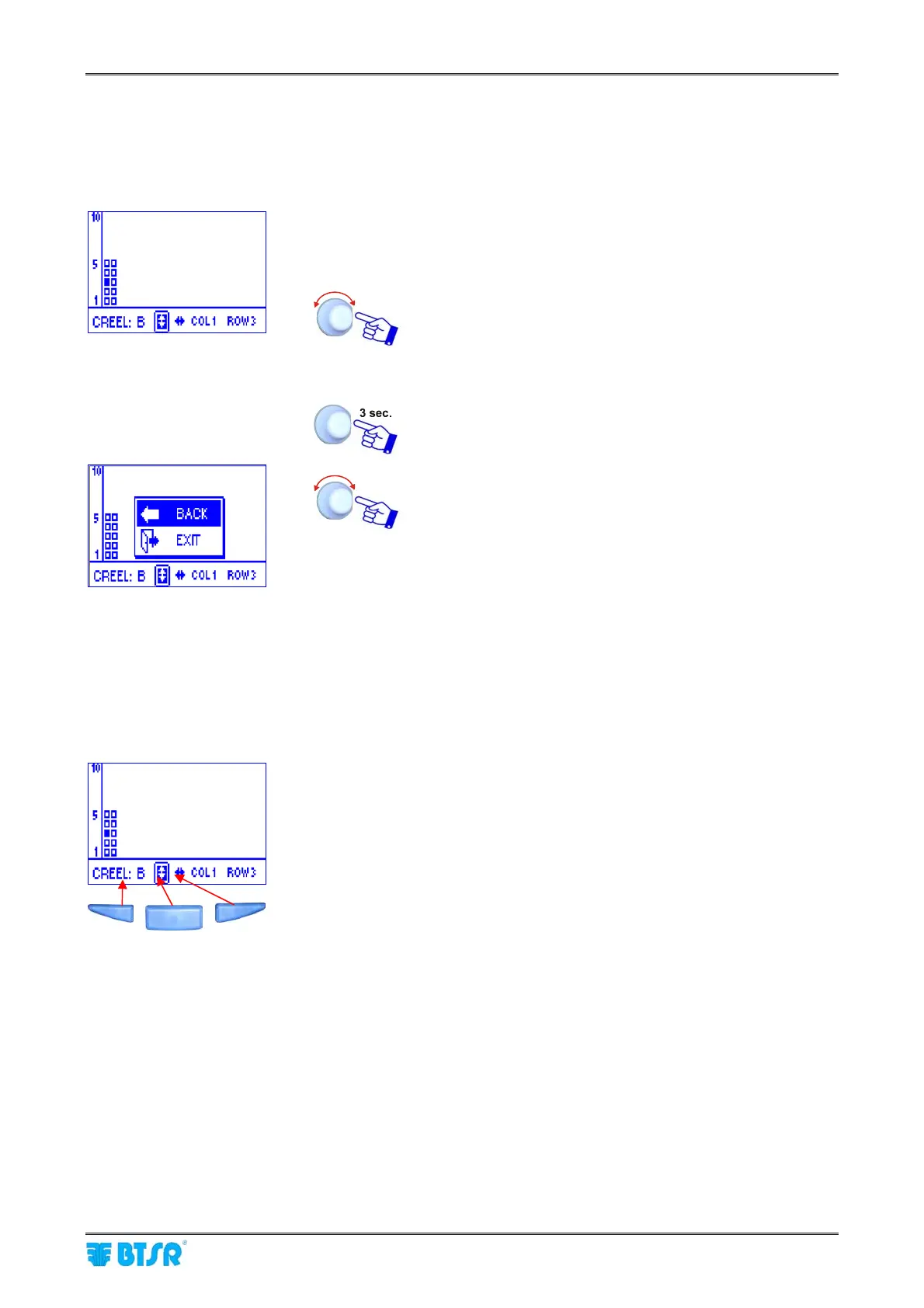
• Select the coordinates (Creel, Column, Row of the
sensor to be re-numbered, e.g. Creel B, Col 1, Row 3)
(See note below).
• Shim the touch light of the relevant sensor; The
sensor’s led changes from flashing green to red.
To quit the identification procedure after the sensor re-
numbering.
EXIT to return to configuration menu.
To select the sensor coordinates (Creel, Column and Row) you may use the “shortcut” buttons or
press in sequence the rotary selector.
To exclude/re-include a sensor in case of creel configured as Advanced, double click on the relevant
small square.
Creel Column Row










 To Next Page