94
○○○○○○○○○○○○○○○○○○○○○○
The AEB mode cannot be used for flash photography. If the flash fires, only one
image gets recorded.
○○○○○○○○○○○○○○○○○○○○○○
Some settings are not available with certain Shooting modes. Please refer to
Functions Available in Each Shooting Mode (p. 208).
5
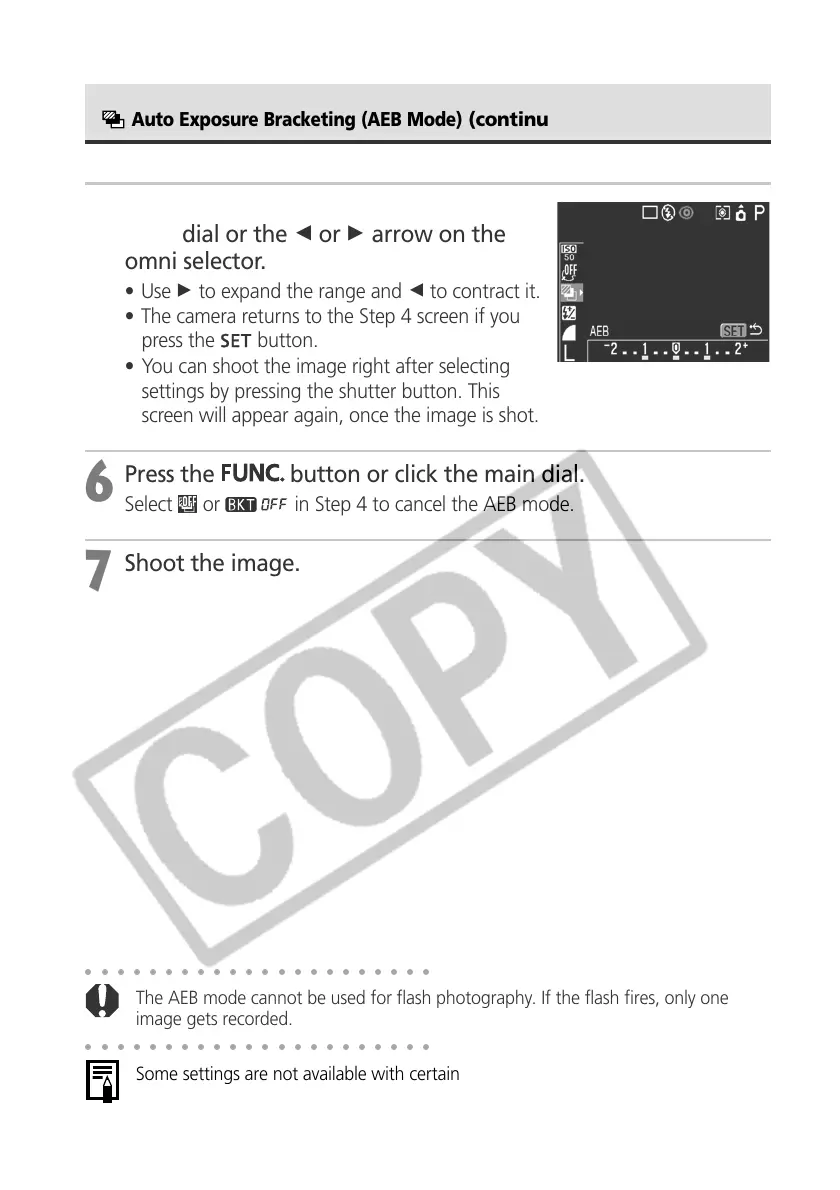
Expand or contract the range using the
main dial or the B or A arrow on the
omni selector.
• Use A to expand the range and B to contract it.
• The camera returns to the Step 4 screen if you
press the
button.
• You can shoot the image right after selecting
settings by pressing the shutter button. This
screen will appear again, once the image is shot.
6
Press the
button or click the main dial.
Select or in Step 4 to cancel the AEB mode.
7
Shoot the image.
Auto Exposure Bracketing (AEB Mode)
(continued)



 To Next Page