161
Appendix
Replay Menu
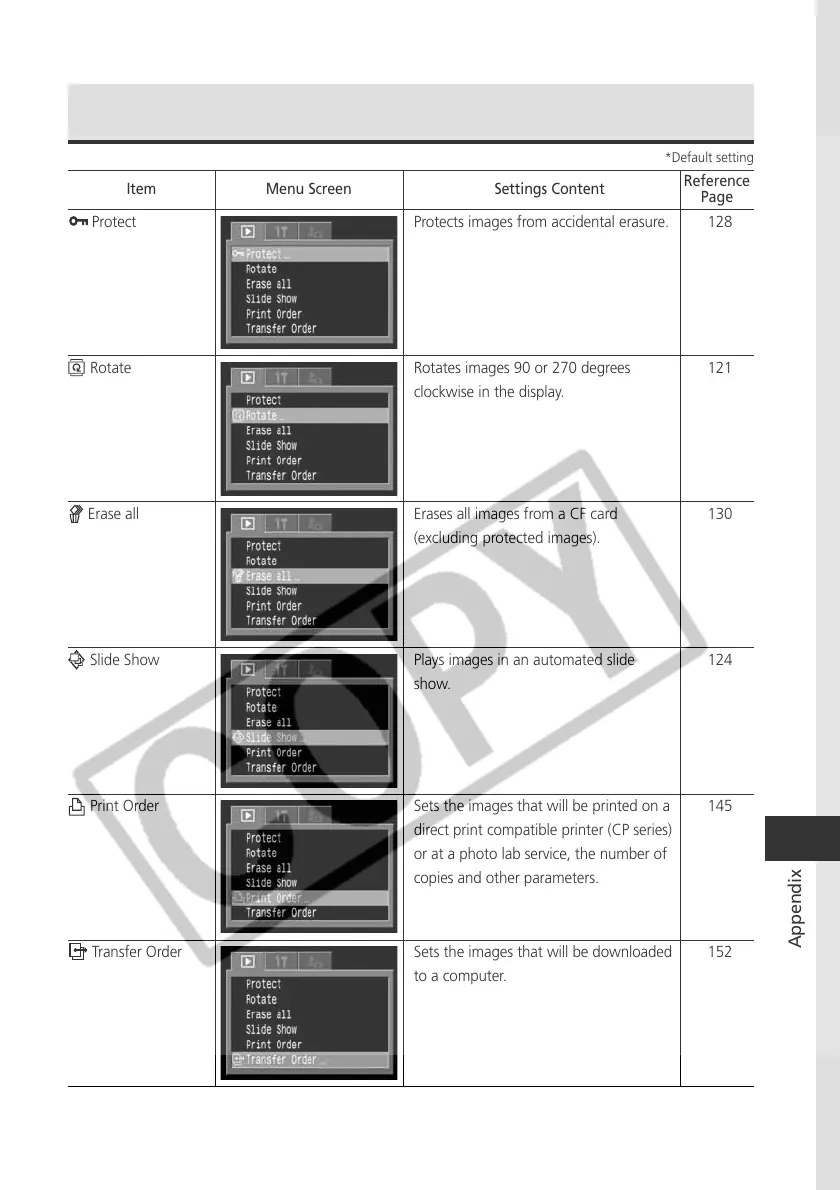
Protect Protects images from accidental erasure.
Rotate Rotates images 90 or 270 degrees
clockwise in the display.
Erase all Erases all images from a CF card
(excluding protected images).
Slide Show Plays images in an automated slide
show.
Print Order Sets the images that will be printed on a
direct print compatible printer (CP series)
or at a photo lab service, the number of
copies and other parameters.
Transfer Order Sets the images that will be downloaded
to a computer.
Item Menu Screen Settings Content
Reference
Page
128
121
130
124
145
152
*Default setting



 To Next Page