116
Jumping Between Images
The display can be advanced or set back 9 images in either single image replay or
index replay.
1
Press the button while in single replay (p. 113) or index
replay (p. 115).
The jump bar appears.
2
The displayed image(s) change.
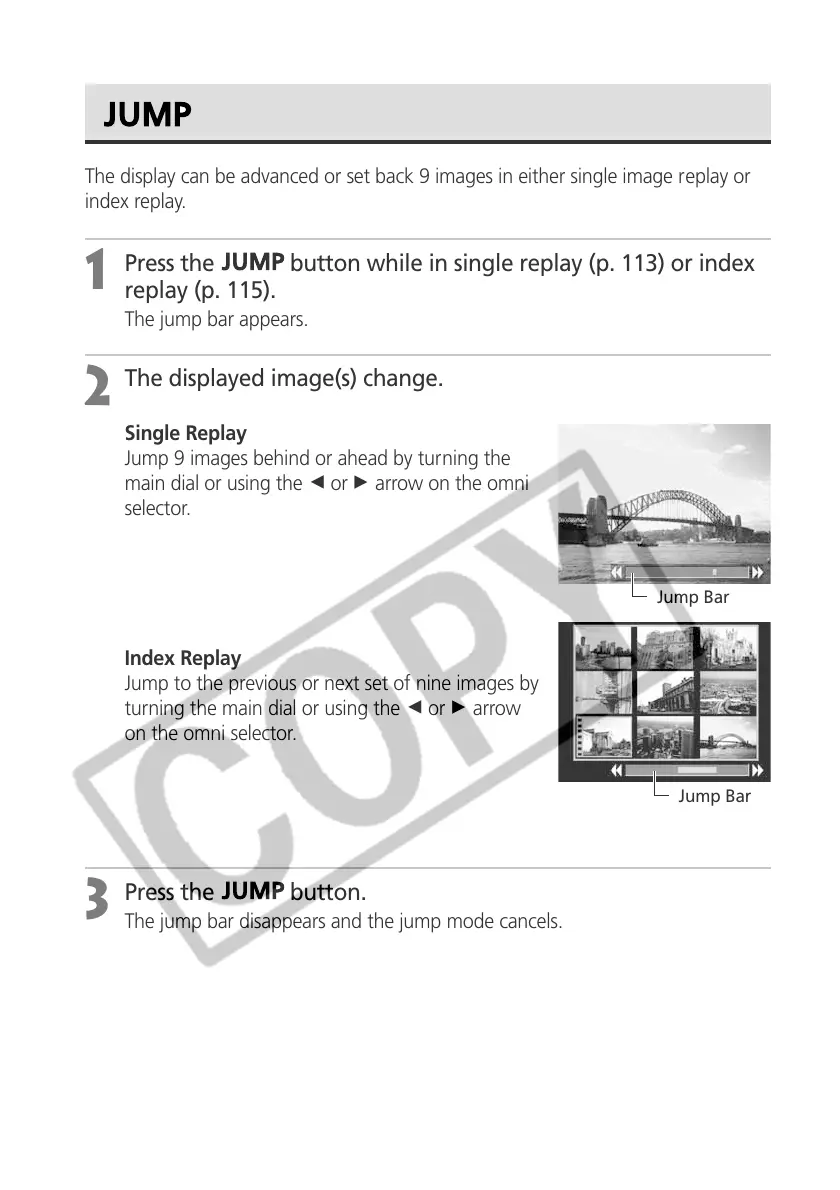
Single Replay
Jump 9 images behind or ahead by turning the
main dial or using the B or A arrow on the omni
selector.
Index Replay
Jump to the previous or next set of nine images by
turning the main dial or using the B or A arrow
on the omni selector.
3
Press the button.
The jump bar disappears and the jump mode cancels.
Jump Bar
Jump Bar



 To Next Page