133
Printing, Transferring
Please refer to the System Map supplied with your camera for direct print
function compatible printer (CP series) information.
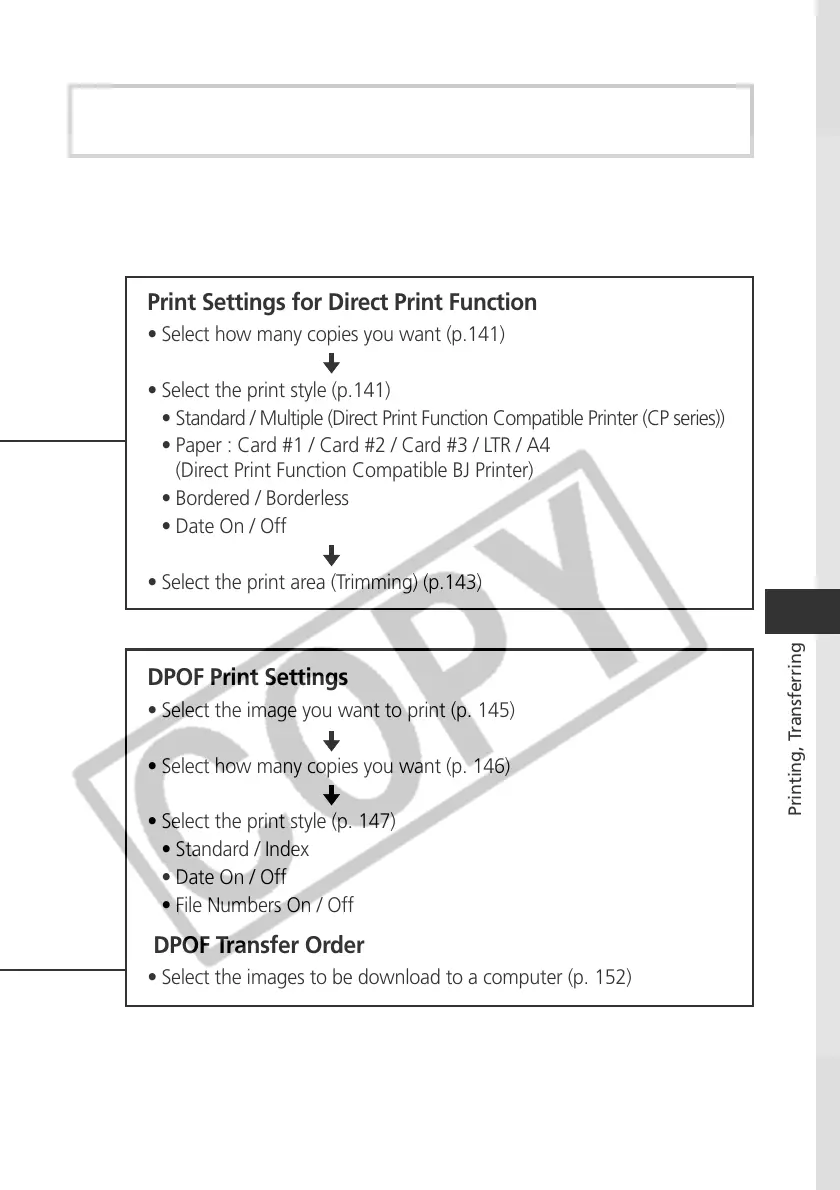
Print Settings for Direct Print Function
• Select how many copies you want (p.141)
• Select the print style (p.141)
• Standard / Multiple (Direct Print Function Compatible Printer (CP series))
• Paper : Card #1 / Card #2 / Card #3 / LTR / A4
(Direct Print Function Compatible BJ Printer)
• Bordered / Borderless
• Date On / Off
• Select the print area (Trimming) (p.143)
DPOF Print Settings
• Select the image you want to print (p. 145)
• Select how many copies you want (p. 146)
• Select the print style (p. 147)
• Standard / Index
• Date On / Off
• File Numbers On / Off
DPOF Transfer Order
• Select the images to be download to a computer (p. 152)



 To Next Page