169
Appendix
List of Error / Message Codes
The following error and message codes may appear on the display panel.
Error Codes
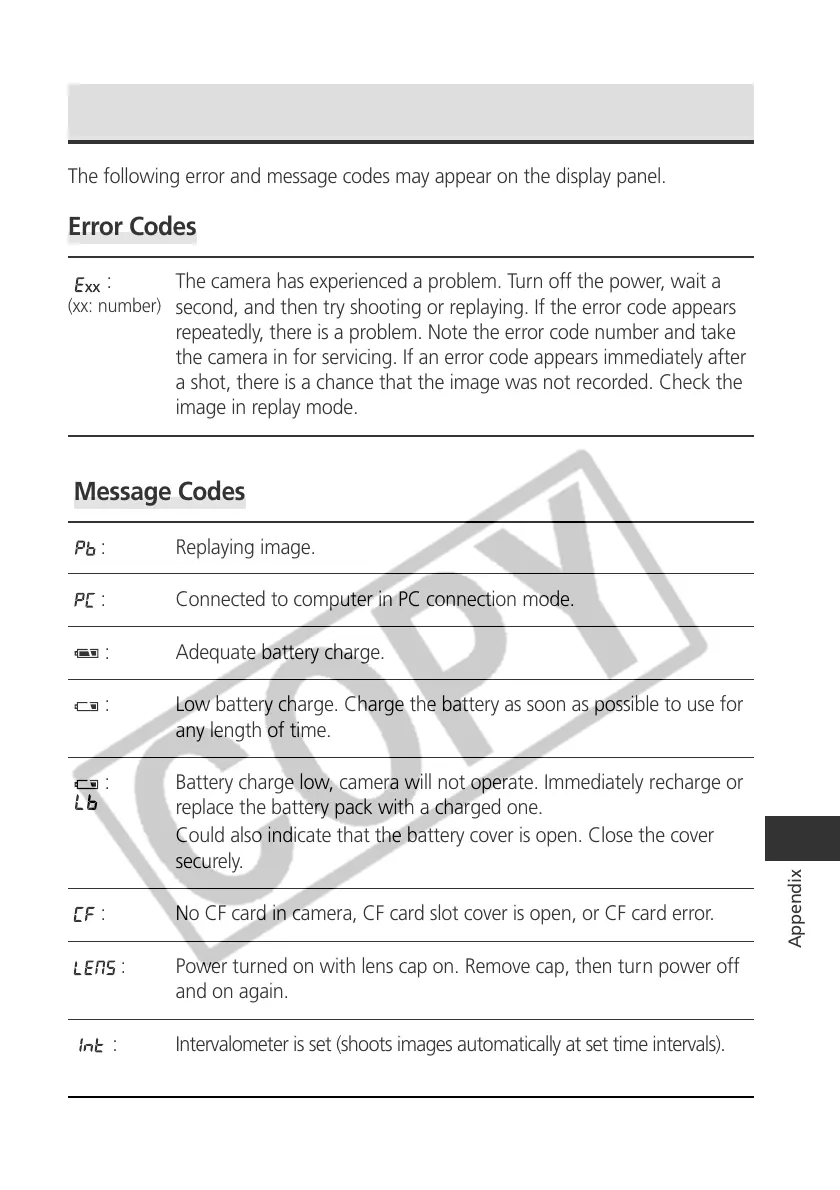
: The camera has experienced a problem. Turn off the power, wait a
second, and then try shooting or replaying. If the error code appears
repeatedly, there is a problem. Note the error code number and take
the camera in for servicing. If an error code appears immediately after
a shot, there is a chance that the image was not recorded. Check the
image in replay mode.
Message Codes
: Replaying image.
: Connected to computer in PC connection mode.
: Adequate battery charge.
: Low battery charge. Charge the battery as soon as possible to use for
any length of time.
: Battery charge low, camera will not operate. Immediately recharge or
replace the battery pack with a charged one.
Could also indicate that the battery cover is open. Close the cover
securely.
: No CF card in camera, CF card slot cover is open, or CF card error.
: Power turned on with lens cap on. Remove cap, then turn power off
and on again.
: Intervalometer is set (shoots images automatically at set time intervals).
(the number of remaining shots display after the first images is shot.)
(xx: number)



 To Next Page