13
Preparing the Camera, Basic Functions
Mode Dial
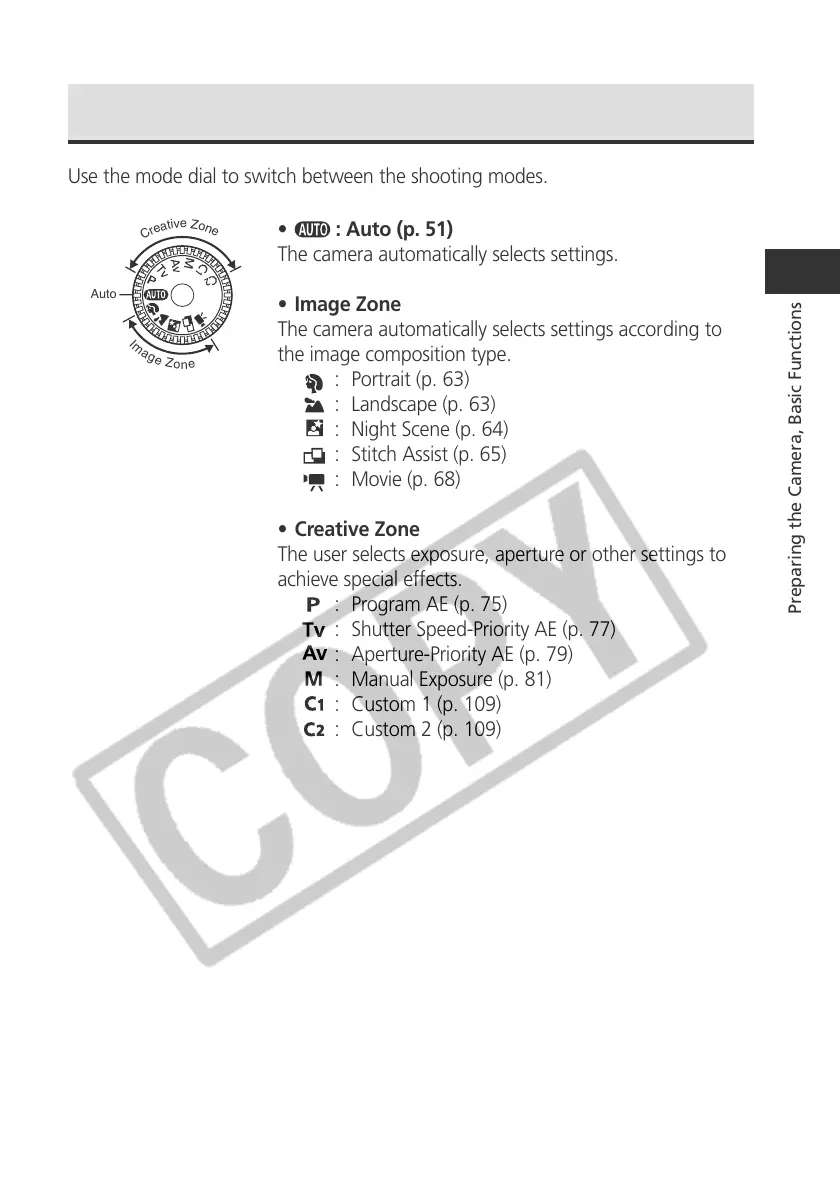
Use the mode dial to switch between the shooting modes.
•
: Auto (p. 51)
The camera automatically selects settings.
• Image Zone
The camera automatically selects settings according to
the image composition type.
: Portrait (p. 63)
: Landscape (p. 63)
: Night Scene (p. 64)
: Stitch Assist (p. 65)
: Movie (p. 68)
• Creative Zone
The user selects exposure, aperture or other settings to
achieve special effects.
: Program AE (p. 75)
: Shutter Speed-Priority AE (p. 77)
: Aperture-Priority AE (p. 79)
: Manual Exposure (p. 81)
: Custom 1 (p. 109)
: Custom 2 (p. 109)
Auto
I
m
a
g
e
Z
o
n
e
C
r
e
a
t
i
v
e
Z
o
n
e



 To Next Page