126
• After you press the
button, you can select all the images by selecting
[Mark all] using C or D on the omni selector and pressing the
button
again. (You can deselect all the images by selecting [Clear all].)
• You can select images using the main dial or the B or A arrow on the omni
selector and change the settings using the C or D arrow on the omni
selector after [Mark all] or [Clear all] has been selected.
5
Press the
button.
The image selection screen will close.
Adjusting the Play Time and Repeat Settings
You can change the play time for all the images in a show and have the show
repeat itself continuously.
1
Display the slide show menu.
2
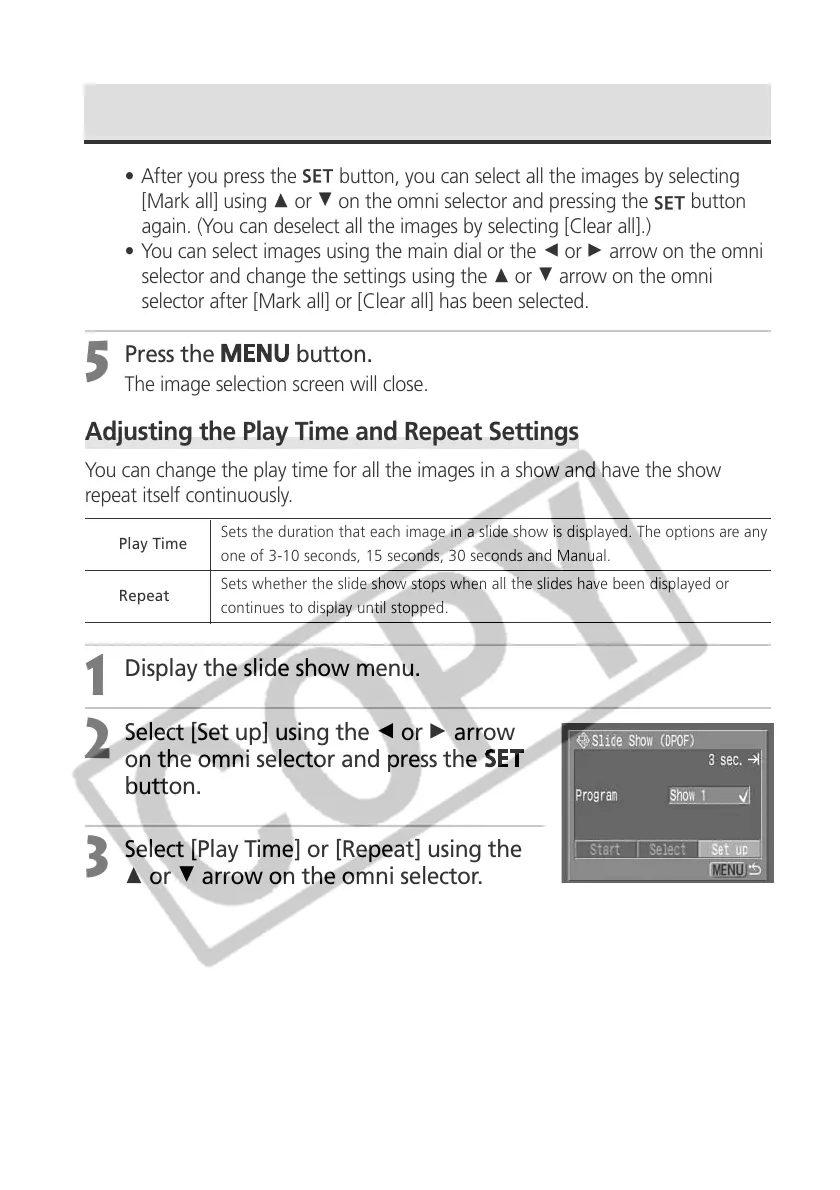
Select [Set up] using the B or A arrow
on the omni selector and press the
button.
3
Select [Play Time] or [Repeat] using the
C or D arrow on the omni selector.
Automated Playback (Slide Show) (continued)
Play Time
Sets the duration that each image in a slide show is displayed. The options are any
one of 3-10 seconds, 15 seconds, 30 seconds and Manual.
Repeat
Sets whether the slide show stops when all the slides have been displayed or
continues to display until stopped.



 To Next Page