119
Replaying, Erasing
Editing Movies
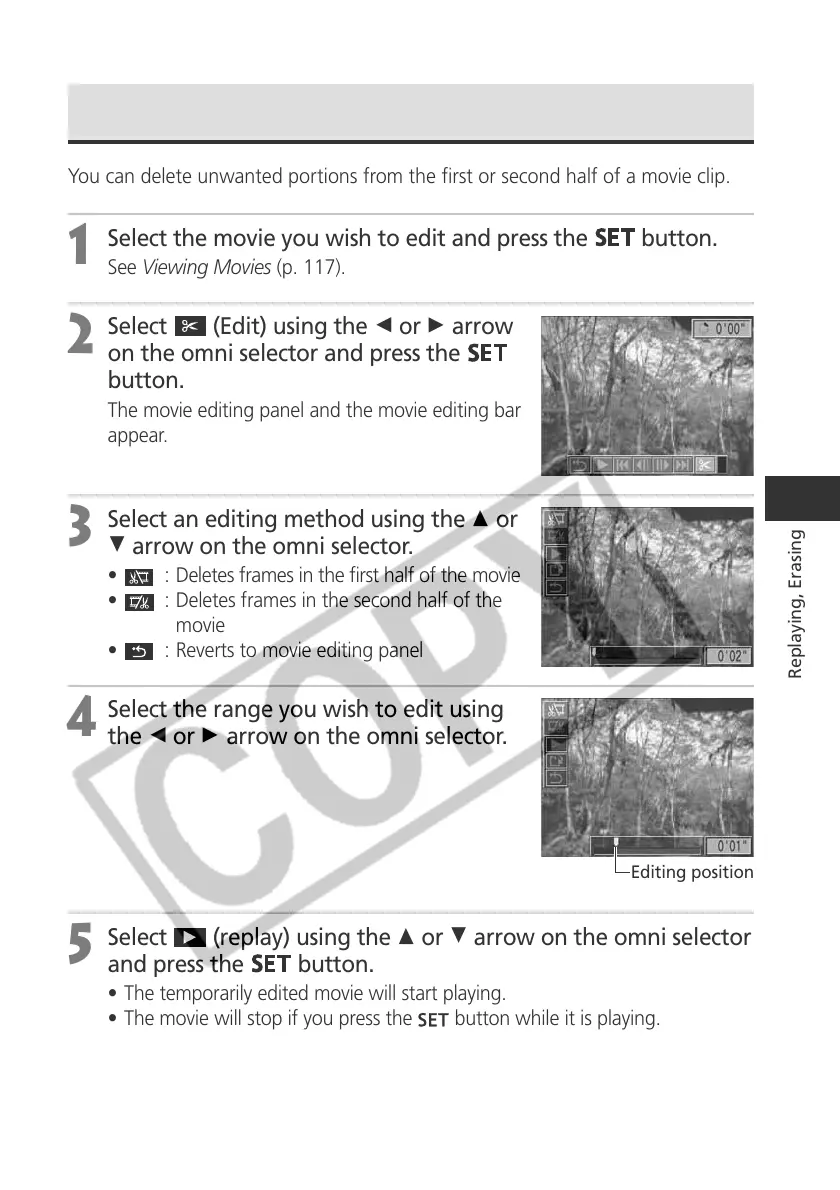
You can delete unwanted portions from the first or second half of a movie clip.
1
Select the movie you wish to edit and press the
button.
See Viewing Movies (p. 117).
2
Select (Edit) using the B or A arrow
on the omni selector and press the
button.
The movie editing panel and the movie editing bar
appear.
3
Select an editing method using the C or
D arrow on the omni selector.
• : Deletes frames in the first half of the movie
•
: Deletes frames in the second half of the
movie
•
: Reverts to movie editing panel
4
Select the range you wish to edit using
the B or A arrow on the omni selector.
5
Select
(replay) using the C or D arrow on the omni selector
and press the
button.
• The temporarily edited movie will start playing.
• The movie will stop if you press the button while it is playing.
Editing position



 To Next Page