120
6
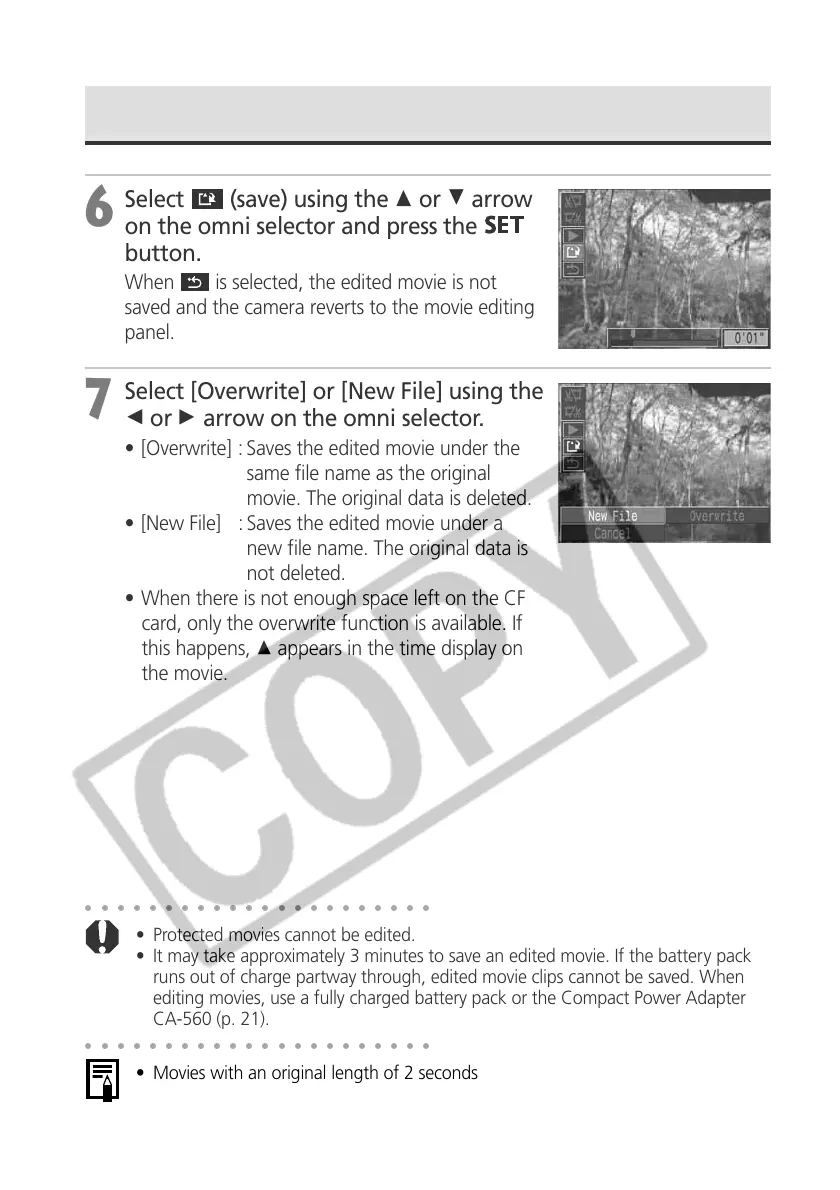
Select
(save) using the C or D arrow
on the omni selector and press the
button.
When is selected, the edited movie is not
saved and the camera reverts to the movie editing
panel.
7
Select [Overwrite] or [New File] using the
B or A arrow on the omni selector.
• [Overwrite] : Saves the edited movie under the
same file name as the original
movie. The original data is deleted.
• [New File] : Saves the edited movie under a
new file name. The original data is
not deleted.
• When there is not enough space left on the CF
card, only the overwrite function is available. If
this happens, C appears in the time display on
the movie.
○○○○○○○○○○○○○○○○○○○○○○
• Protected movies cannot be edited.
• It may take approximately 3 minutes to save an edited movie. If the battery pack
runs out of charge partway through, edited movie clips cannot be saved. When
editing movies, use a fully charged battery pack or the Compact Power Adapter
CA-560 (p. 21).
○○○○○○○○○○○○○○○○○○○○○○
• Movies with an original length of 2 seconds or more can be edited.
• The minimum length for movie clips is 1 second.
Editing Movies (continued)



 To Next Page