85
Shooting - Selecting Particular Effects
Adjusting the Exposure
Adjust the exposure compensation setting to avoid making the subject too dark
when it is backlit or shot against a bright background.
1
Press
(C on the omni selector).
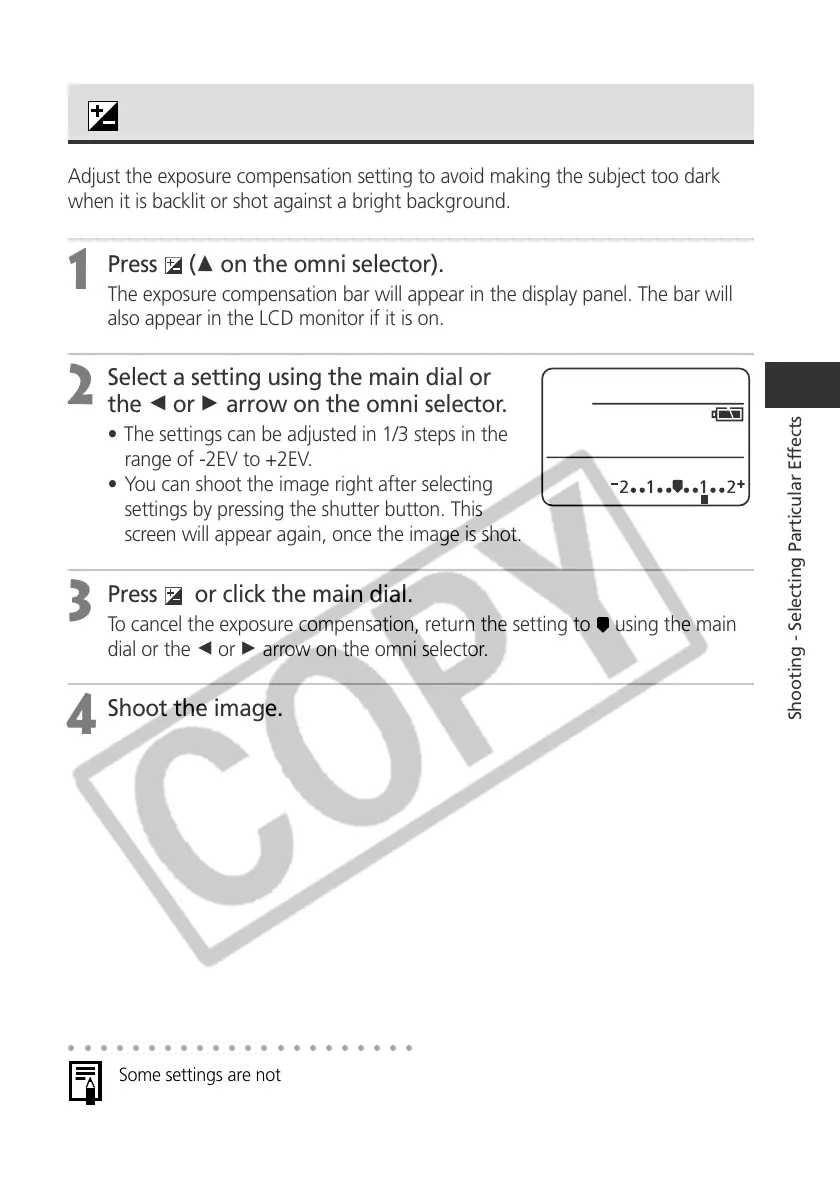
The exposure compensation bar will appear in the display panel. The bar will
also appear in the LCD monitor if it is on.
2
Select a setting using the main dial or
the B or A arrow on the omni selector.
• The settings can be adjusted in 1/3 steps in the
range of -2EV to +2EV.
• You can shoot the image right after selecting
settings by pressing the shutter button. This
screen will appear again, once the image is shot.
3
Press or click the main dial.
To cancel the exposure compensation, return the setting to using the main
dial or the B or A arrow on the omni selector.
4
Shoot the image.
○○○○○○○○○○○○○○○○○○○○○○
Some settings are not available with certain Shooting modes. Please refer to
Functions Available in Each Shooting Mode (p. 208).



 To Next Page