97
Shooting - Selecting Particular Effects
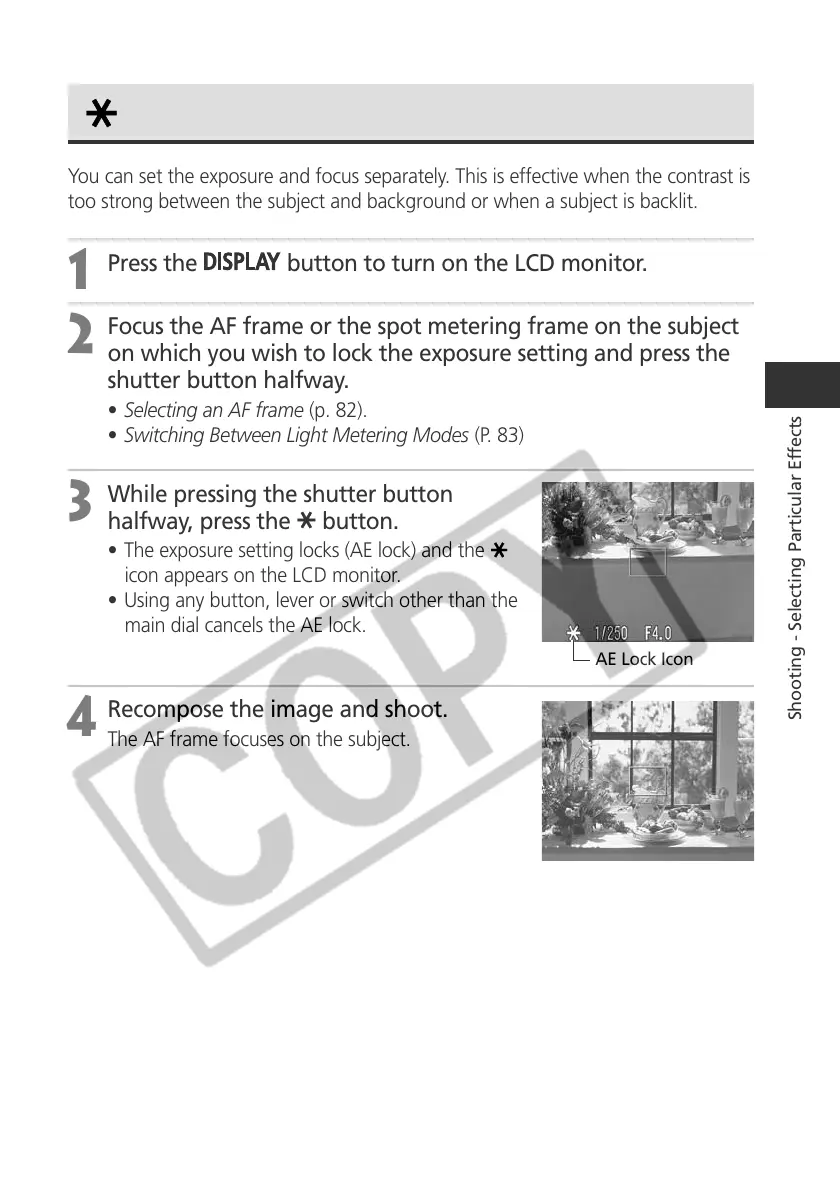
AE Lock Icon
Locking the Exposure Setting (AE Lock)
You can set the exposure and focus separately. This is effective when the contrast is
too strong between the subject and background or when a subject is backlit.
1
Press the
button to turn on the LCD monitor.
2
Focus the AF frame or the spot metering frame on the subject
on which you wish to lock the exposure setting and press the
shutter button halfway.
• Selecting an AF frame (p. 82).
• Switching Between Light Metering Modes (P. 83)
3
While pressing the shutter button
halfway, press the
button.
• The exposure setting locks (AE lock) and the
icon appears on the LCD monitor.
• Using any button, lever or switch other than the
main dial cancels the AE lock.
4
Recompose the image and shoot.
The AF frame focuses on the subject.



 To Next Page