103
Shooting - Selecting Particular Effects
Shooting Images at Set Intervals (Intervalometer)
You can shoot images at a set interval. This function can be used for fixed-point
observation of plants and blooming flowers. The shooting interval time can be set
from 1 to 60 minutes and 2 to 100 images can be shot.
○○○○○○○○○○○○○○○○○○○○○○
Since the camera may shoot continuously for an extended period of time, the use of
the Compact Power Adapter CA-560 is recommended (p. 21).
1
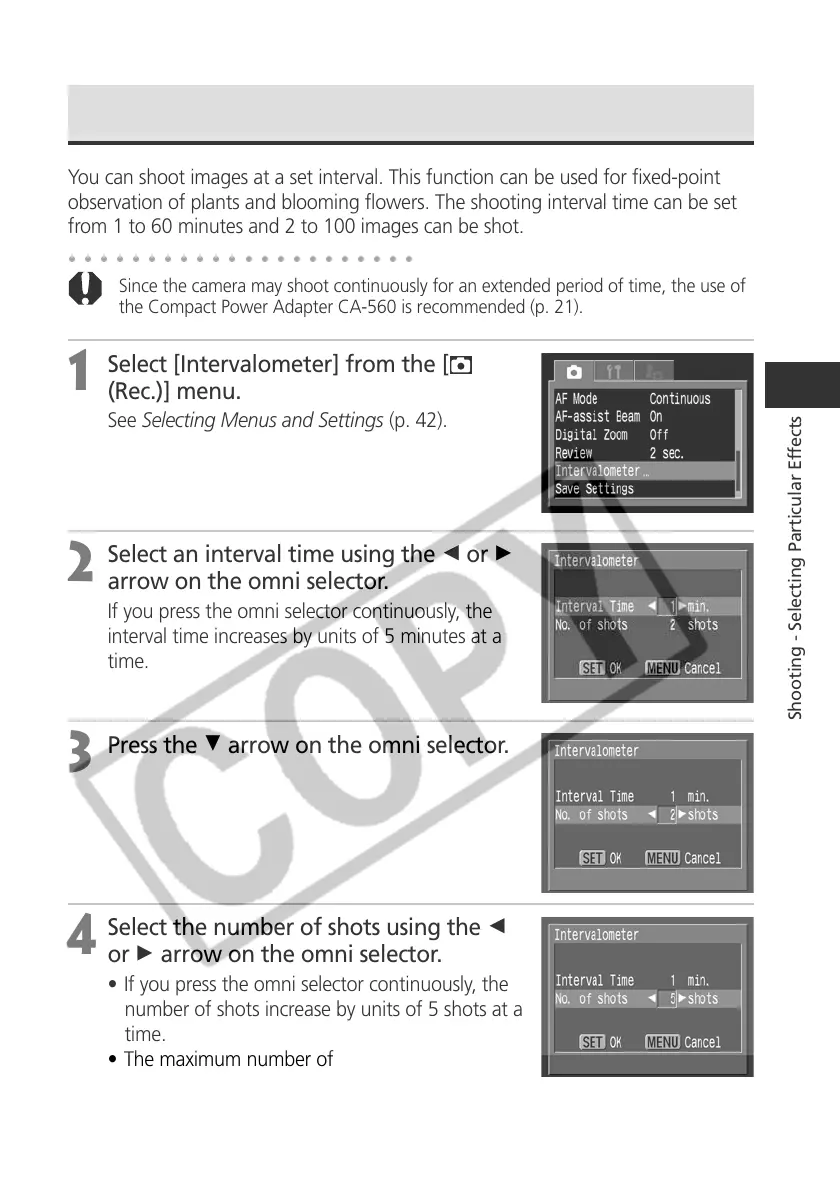
Select [Intervalometer] from the [
(Rec.)] menu.
See Selecting Menus and Settings (p. 42).
2
Select an interval time using the B or A
arrow on the omni selector.
If you press the omni selector continuously, the
interval time increases by units of 5 minutes at a
time.
3
Press the D arrow on the omni selector.
4
Select the number of shots using the B
or A arrow on the omni selector.
• If you press the omni selector continuously, the
number of shots increase by units of 5 shots at a
time.
• The maximum number of shots* is determined
according to the CF card’s remaining capacity.
* The maximum number of shots may decrease according to the
images shot.



 To Next Page