183
Appendix
Using Conversion Lenses (Optional) /
Close-up Lenses (Optional)
The separately sold Conversion Lens Adapter LA-DC58B is required to use conversion
and close-up lenses with the camera, such as the separately sold Wide Converter
WC-DC58N, Tele-converter TC-DC58N and Close-up Lens 250D (58 mm). (The Wide
Converter WC-DC58 and the Tele-converter TC-DC58 for the PowerShot G1/G2
are not recommended since shooting problems may occur.)
○○○○○○○○○○○○○○○○○○○○○○
• Ensure that the wide converter, tele-converter and close-up lens are firmly screwed
onto the adapter. Injury from glass shards can occur if the lens loosen and fall off.
• Never aim the wide converter, tele-converter or close-up lens directly at the sun or
bright lights.
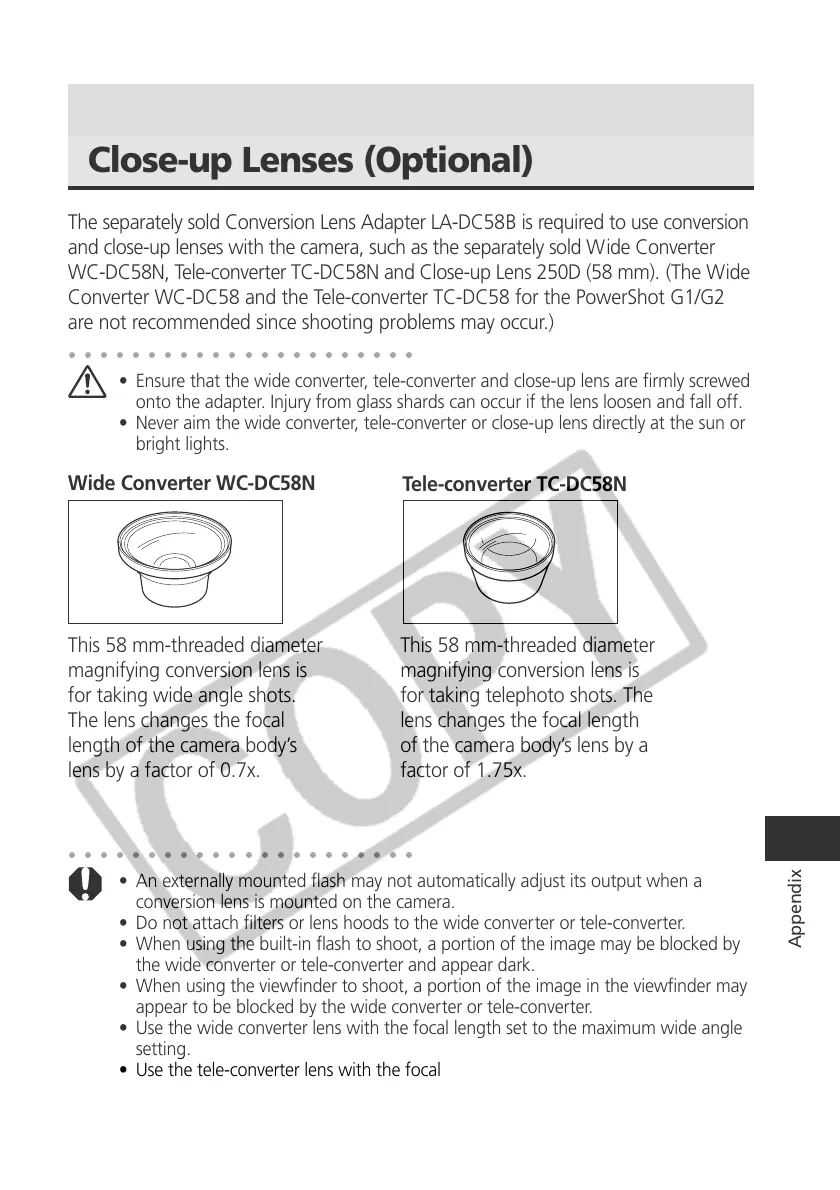
Wide Converter WC-DC58N
Tele-converter TC-DC58N
This 58 mm-threaded diameter
magnifying conversion lens is
for taking wide angle shots.
The lens changes the focal
length of the camera body’s
lens by a factor of 0.7x.
This 58 mm-threaded diameter
magnifying conversion lens is
for taking telephoto shots. The
lens changes the focal length
of the camera body’s lens by a
factor of 1.75x.
○○○○○○○○○○○○○○○○○○○○○○
• An externally mounted flash may not automatically adjust its output when a
conversion lens is mounted on the camera.
• Do not attach filters or lens hoods to the wide converter or tele-converter.
• When using the built-in flash to shoot, a portion of the image may be blocked by
the wide converter or tele-converter and appear dark.
• When using the viewfinder to shoot, a portion of the image in the viewfinder may
appear to be blocked by the wide converter or tele-converter.
• Use the wide converter lens with the focal length set to the maximum wide angle
setting.
• Use the tele-converter lens with the focal length set to the maximum telephoto
setting. At other zoom settings, the image will not appear correctly.



 To Next Page