129
Replaying, Erasing
Erasing Images Individually
○○○○○○○○○○○○○○○○○○○○○○
Please note that erased images cannot be recovered. Exercise caution before erasing
a file.
1
Set the camera to the replay mode (p. 29).
2
Select the image you wish to erase by turning the main dial or
by using the B or A arrow on the omni selector and press the
button.
3
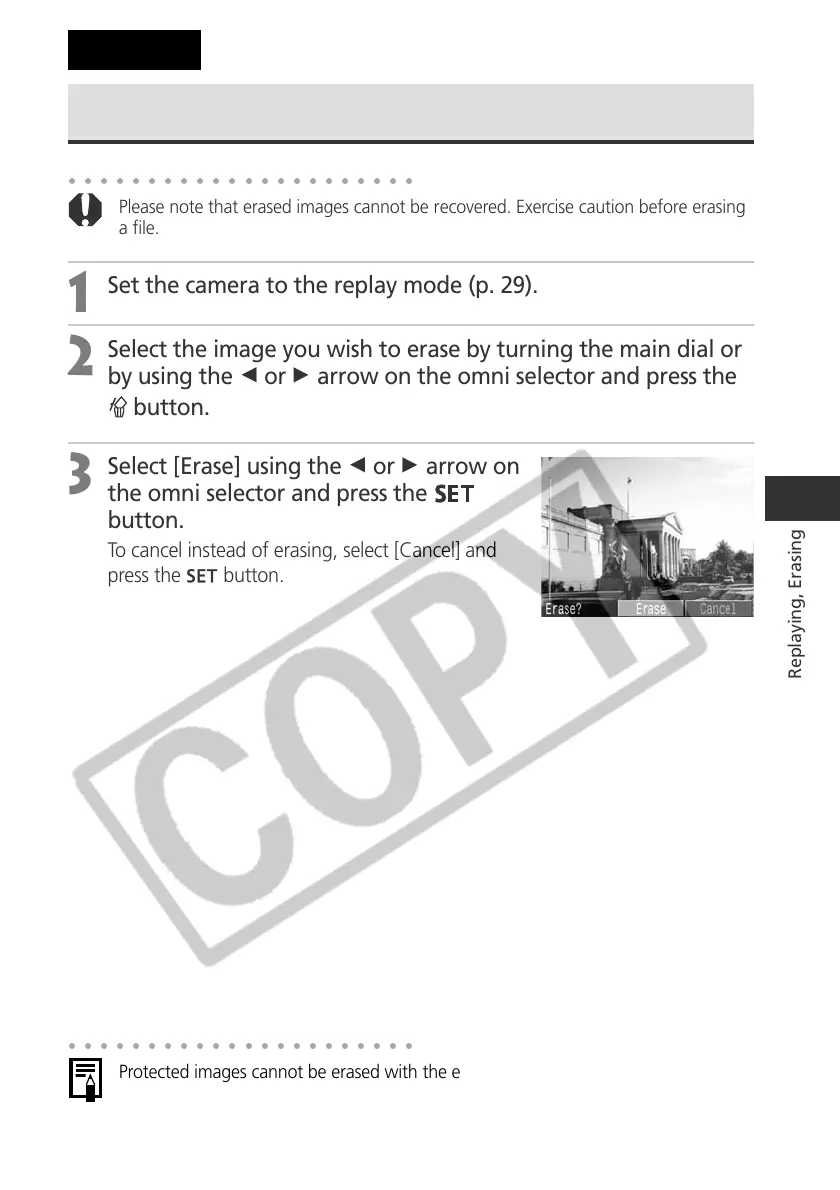
Select [Erase] using the B or A arrow on
the omni selector and press the
button.
To cancel instead of erasing, select [Cancel] and
press the
button.
○○○○○○○○○○○○○○○○○○○○○○
Protected images cannot be erased with the erase function (p. 128).
Erasing



 To Next Page