63
Shooting - Letting the Camera Select Settings
Portrait Mode
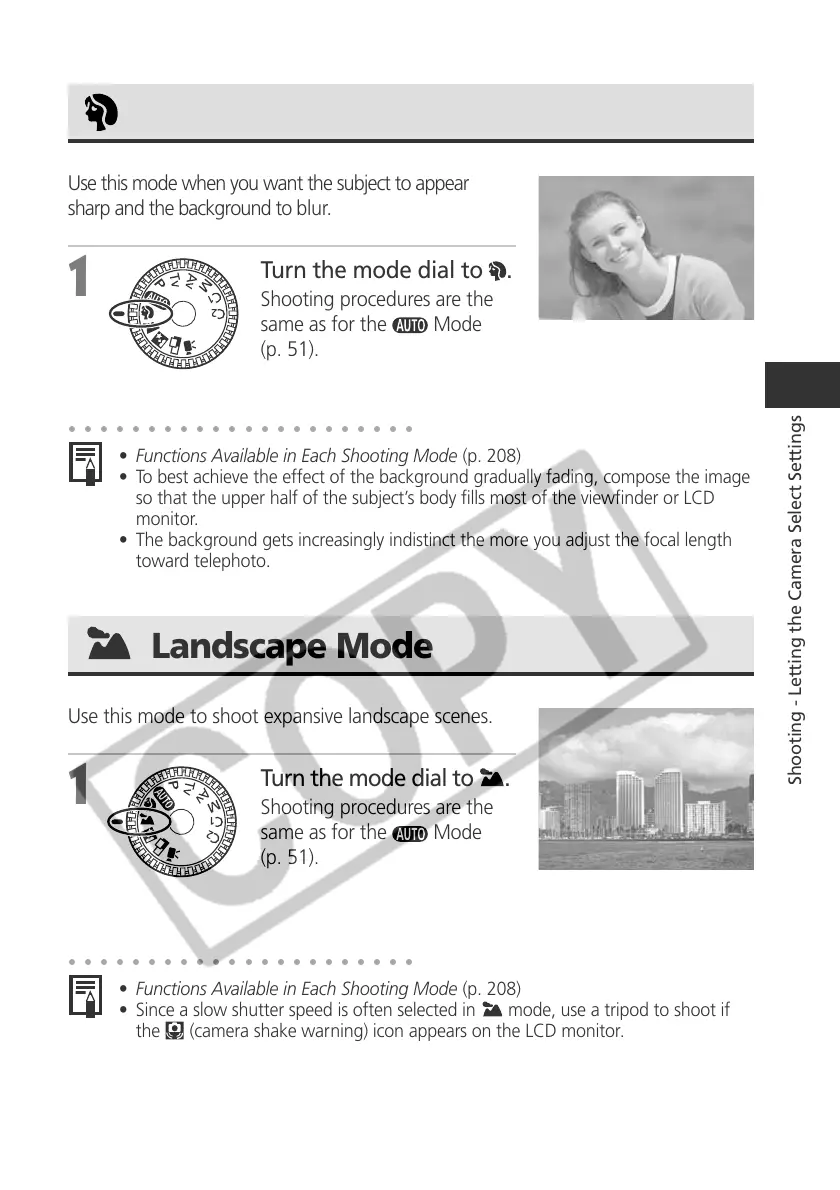
Use this mode when you want the subject to appear
sharp and the background to blur.
1
Turn the mode dial to .
Shooting procedures are the
same as for the
Mode
(p. 51).
○○○○○○○○○○○○○○○○○○○○○○
• Functions Available in Each Shooting Mode (p. 208)
• To best achieve the effect of the background gradually fading, compose the image
so that the upper half of the subject’s body fills most of the viewfinder or LCD
monitor.
• The background gets increasingly indistinct the more you adjust the focal length
toward telephoto.
Landscape Mode
Use this mode to shoot expansive landscape scenes.
1
Turn the mode dial to .
Shooting procedures are the
same as for the
Mode
(p. 51).
○○○○○○○○○○○○○○○○○○○○○○
• Functions Available in Each Shooting Mode (p. 208)
• Since a slow shutter speed is often selected in
mode, use a tripod to shoot if
the
(camera shake warning) icon appears on the LCD monitor.



 To Next Page