157
Connecting
○○○○○○○○○○○○○○○○○○○○○○
• It is recommended to power the camera with the optional Compact Power
Adapter CA-560 when connected to a computer (p. 162).
• If you disconnect the USB cable while the camera is on, the camera will
automatically turn off.
•
All procedures performed with a connection to a USB 2.0 compliant board are not
guaranteed.
Downloading Directly from a CF Card
1
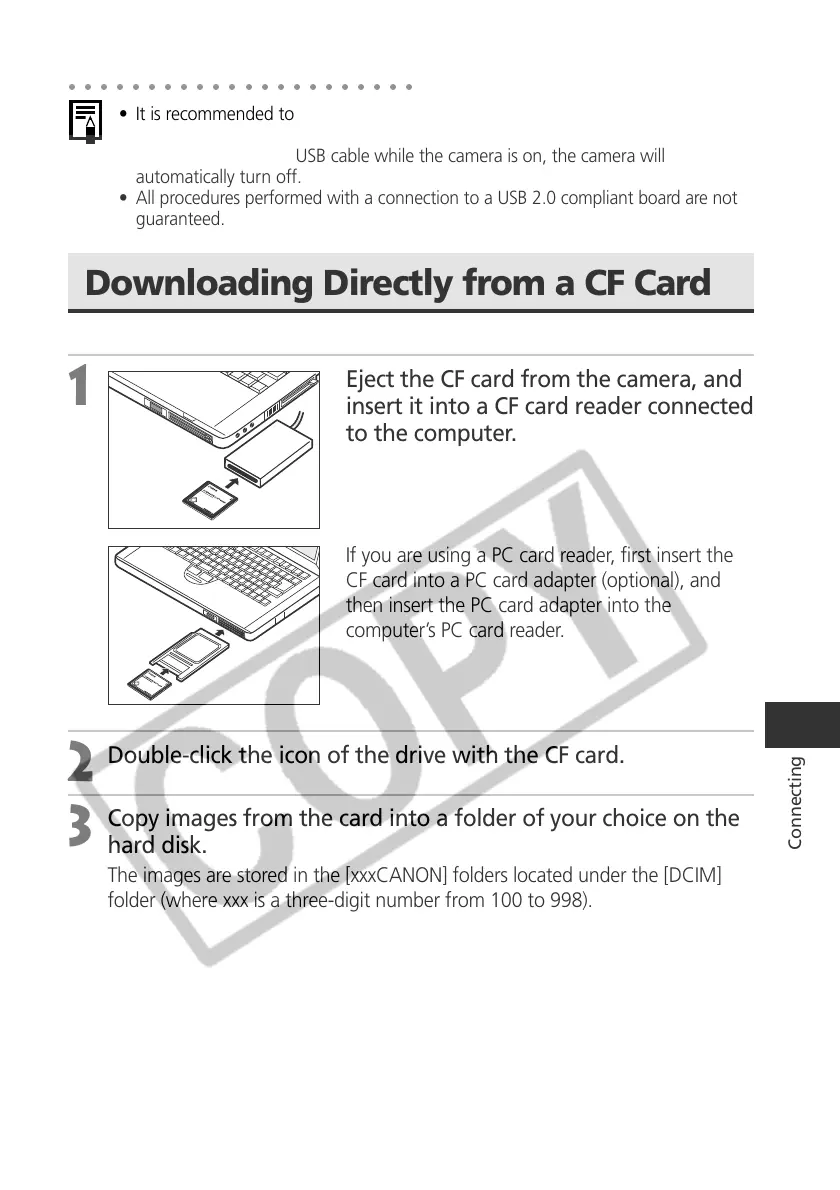
Eject the CF card from the camera, and
insert it into a CF card reader connected
to the computer.
If you are using a PC card reader, first insert the
CF card into a PC card adapter (optional), and
then insert the PC card adapter into the
computer’s PC card reader.
2
Double-click the icon of the drive with the CF card.
3
Copy images from the card into a folder of your choice on the
hard disk.
The images are stored in the [xxxCANON] folders located under the [DCIM]
folder (where xxx is a three-digit number from 100 to 998).



 To Next Page