46
Customizing the Camera (My Camera Settings)
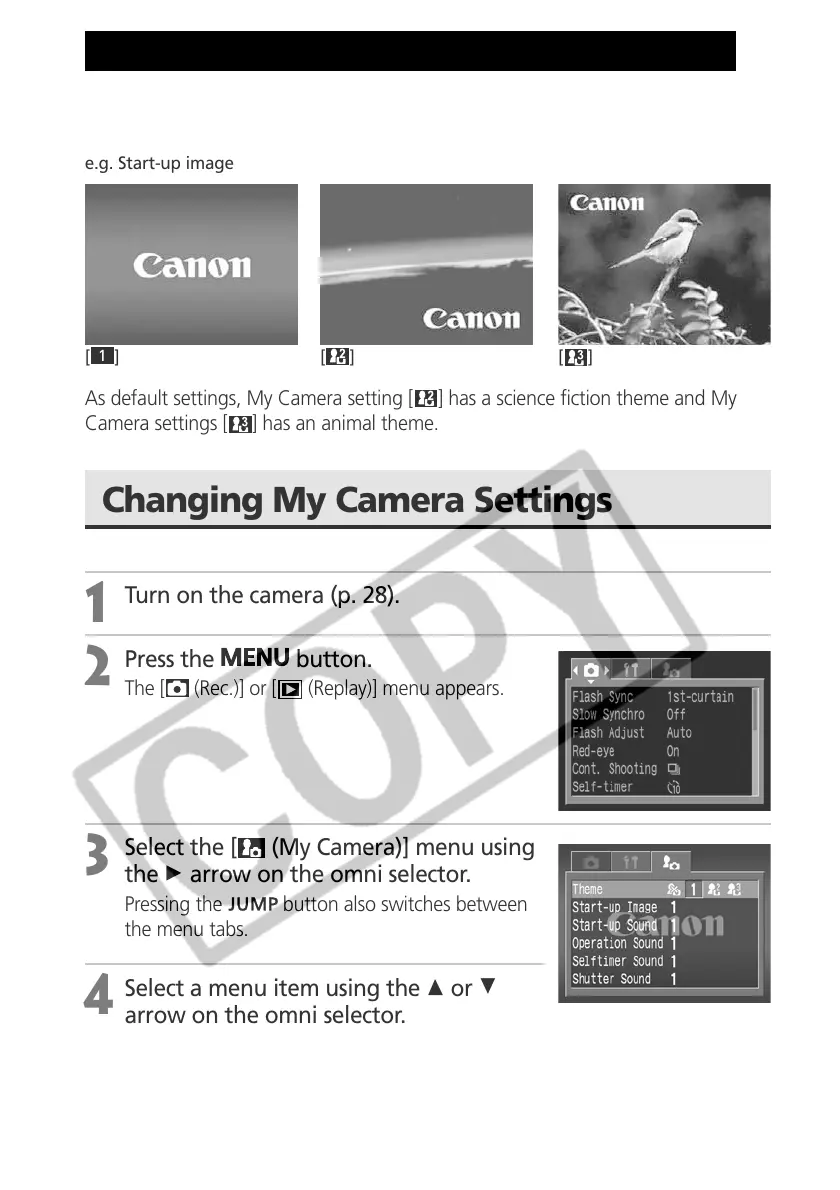
My Camera allows you to customize the start-up image and start-up, shutter,
operation and self-timer sounds. Each menu item has three choices.
e.g. Start-up image
[
1
][][]
As default settings, My Camera setting [ ] has a science fiction theme and My
Camera settings [
] has an animal theme.
Changing My Camera Settings
1
Turn on the camera (p. 28).
2
Press the
button.
The [ (Rec.)] or [ (Replay)] menu appears.
3
Select the [ (My Camera)] menu using
the A arrow on the omni selector.
Pressing the button also switches between
the menu tabs.
4
Select a menu item using the C or D
arrow on the omni selector.



 To Next Page