162
Set up Menu
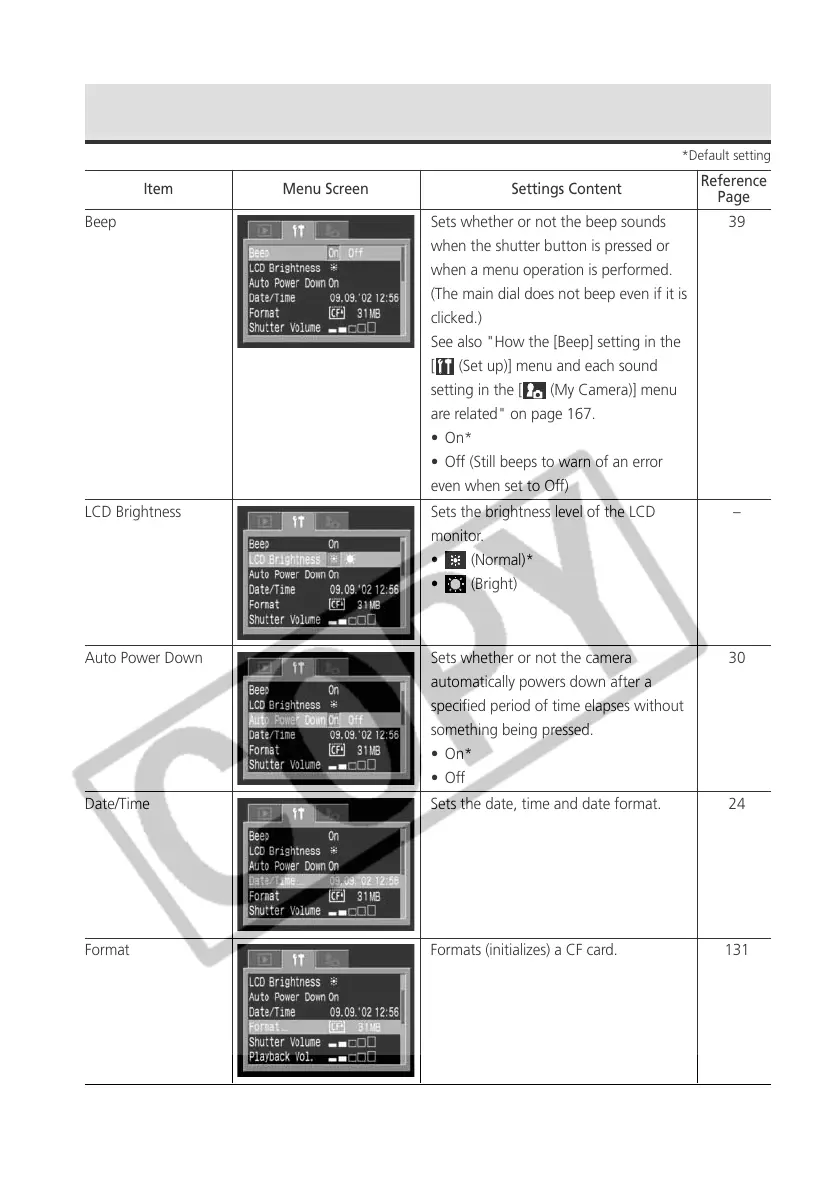
Beep Sets whether or not the beep sounds
when the shutter button is pressed or
when a menu operation is performed.
(The main dial does not beep even if it is
clicked.)
See also "How the [Beep] setting in the
[
(Set up)] menu and each sound
setting in the [ (My Camera)] menu
are related" on page 167.
• On*
• Off (Still beeps to warn of an error
even when set to Off)
LCD Brightness Sets the brightness level of the LCD
monitor.
• (Normal)*
• (Bright)
Auto Power Down Sets whether or not the camera
automatically powers down after a
specified period of time elapses without
something being pressed.
• On*
•Off
Date/Time Sets the date, time and date format.
Format Formats (initializes) a CF card.
Item Menu Screen Settings Content
Reference
Page
39
–
30
24
131
*Default setting



 To Next Page