141
Printing, Transferring
Setting the Print Settings (Direct Print Function)
Selecting the Number of Copies
1
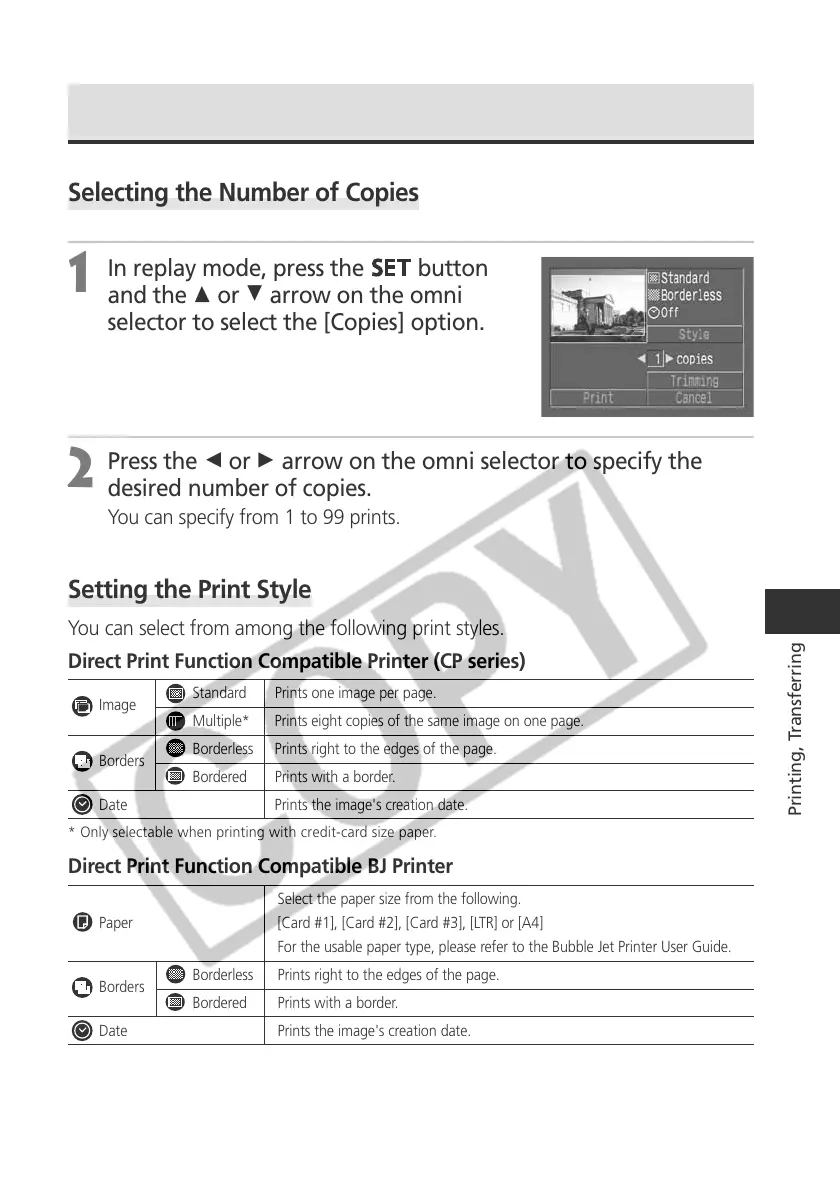
In replay mode, press the
button
and the C or D arrow on the omni
selector to select the [Copies] option.
2
Press the B or A arrow on the omni selector to specify the
desired number of copies.
You can specify from 1 to 99 prints.
Setting the Print Style
You can select from among the following print styles.
Direct Print Function Compatible Printer (CP series)
Image
Standard Prints one image per page.
Multiple* Prints eight copies of the same image on one page.
Borders
Borderless Prints right to the edges of the page.
Bordered Prints with a border.
Date Prints the image's creation date.
* Only selectable when printing with credit-card size paper.
Direct Print Function Compatible BJ Printer
Select the paper size from the following.
Paper [Card #1], [Card #2], [Card #3], [LTR] or [A4]
For the usable paper type, please refer to the Bubble Jet Printer User Guide.
Borders
Borderless Prints right to the edges of the page.
Bordered Prints with a border.
Date Prints the image's creation date.



 To Next Page