149
Printing, Transferring
Resetting the Print Settings
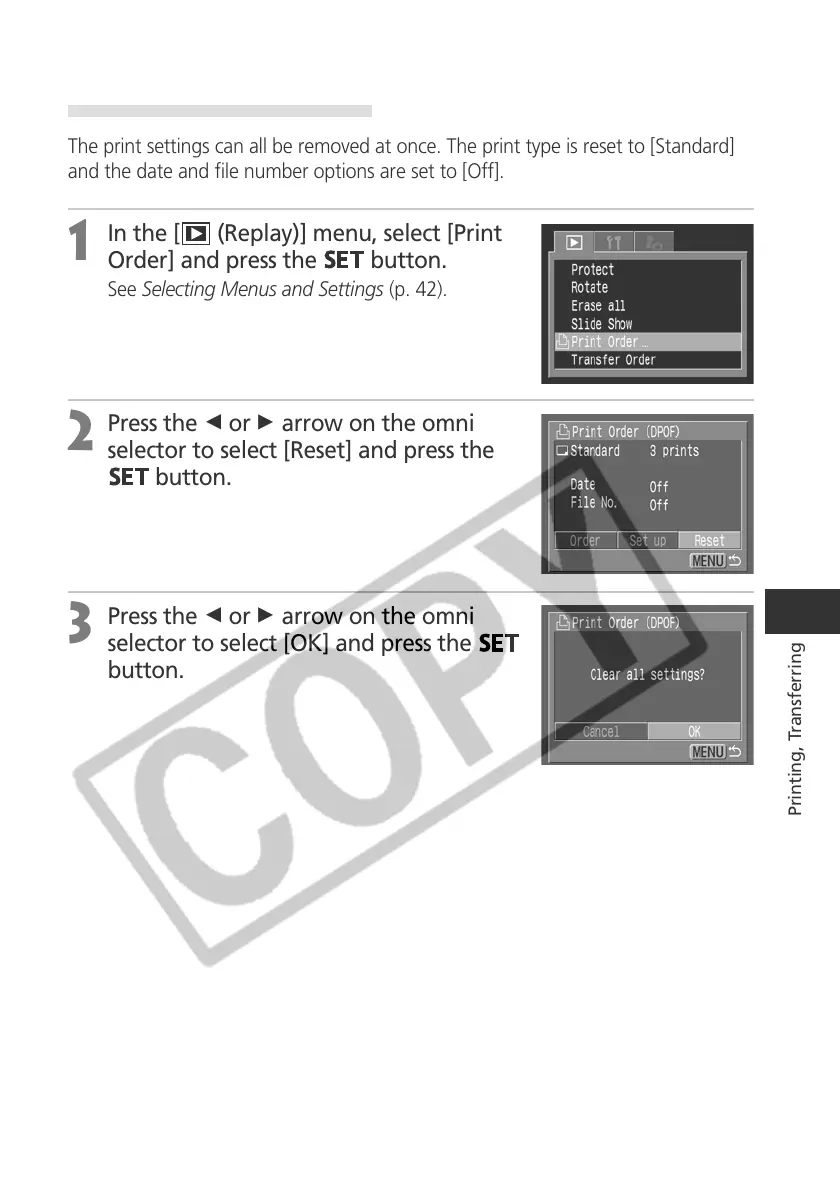
The print settings can all be removed at once. The print type is reset to [Standard]
and the date and file number options are set to [Off].
1
In the [ (Replay)] menu, select [Print
Order] and press the
button.
See Selecting Menus and Settings (p. 42).
2
Press the B or A arrow on the omni
selector to select [Reset] and press the
button.
3
Press the B or A arrow on the omni
selector to select [OK] and press the
button.



 To Next Page