168
Resetting the Settings to Default
You can reset the menu and button operation settings to default except for the
[Date/Time], [Language], and [Video System] settings.
1
Turn on the camera.
You can turn on the camera into either Shooting or Replaying mode.
2
Press the button for longer than
5 seconds.
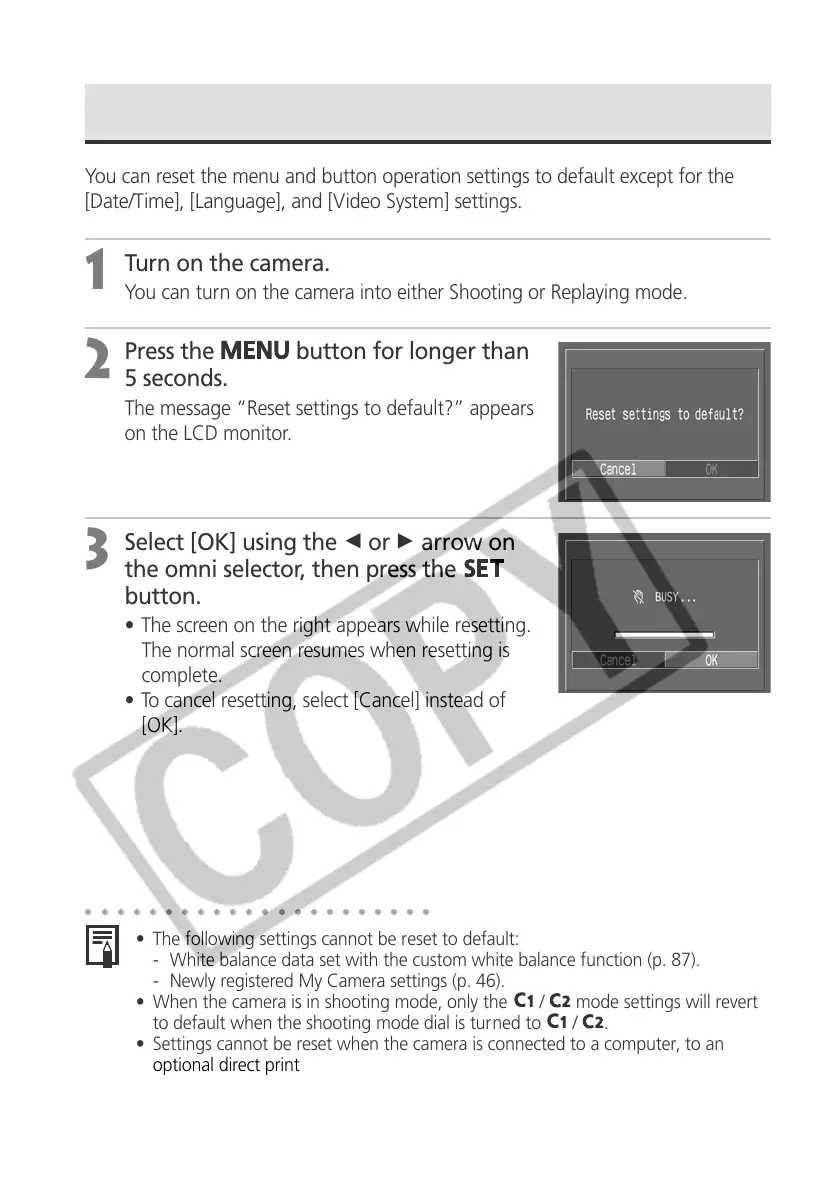
The message “Reset settings to default?” appears
on the LCD monitor.
3
Select [OK] using the B or A arrow on
the omni selector, then press the
button.
• The screen on the right appears while resetting.
The normal screen resumes when resetting is
complete.
• To cancel resetting, select [Cancel] instead of
[OK].
○○○○○○○○○○○○○○○○○○○○○○
• The following settings cannot be reset to default:
- White balance data set with the custom white balance function (p. 87).
- Newly registered My Camera settings (p. 46).
• When the camera is in shooting mode, only the
/
mode settings will revert
to default when the shooting mode dial is turned to
/
.
• Settings cannot be reset when the camera is connected to a computer, to an
optional direct print function compatible printer (CP series) or to a direct print
function compatible BJ printer (optional).



 To Next Page