41
Preparing the Camera, Basic Functions
Using the Zoom (Focal Length)
The zoom can be adjusted from 35 to 140 mm (equivalent to 35 mm film format).
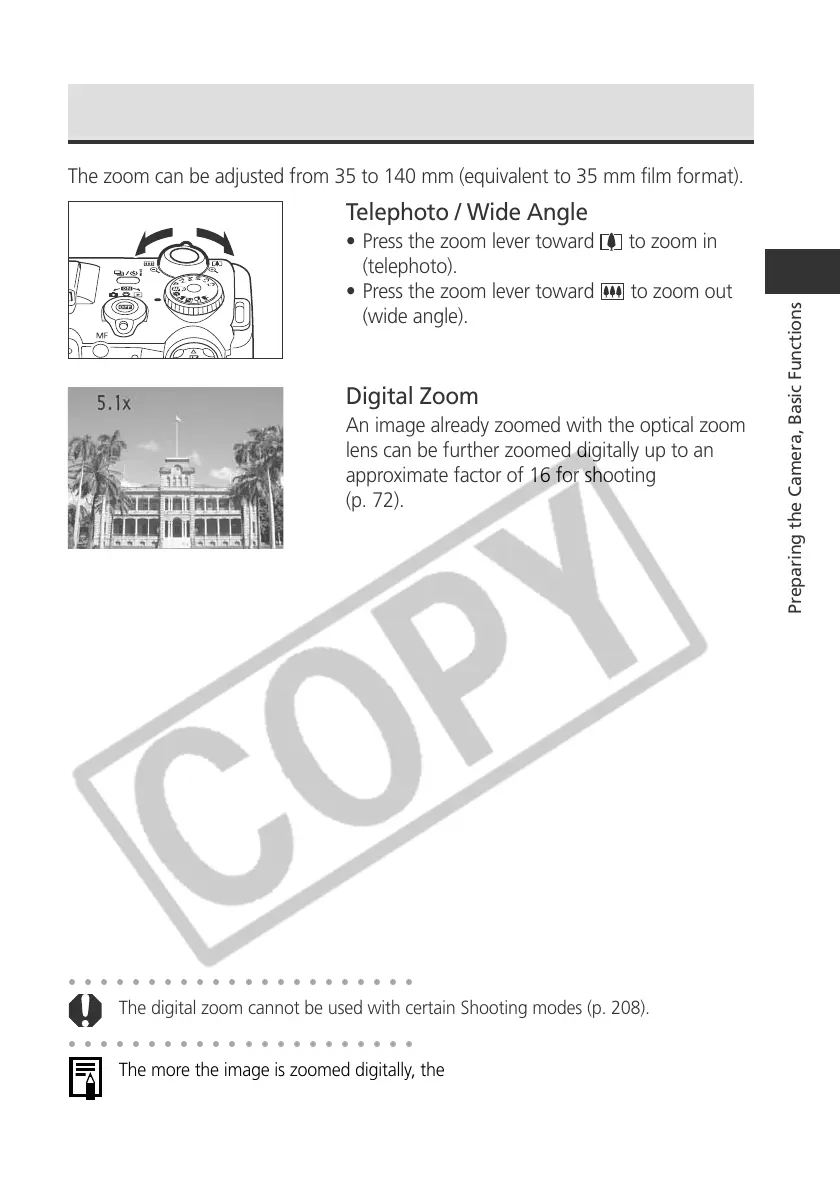
Telephoto / Wide Angle
• Press the zoom lever toward to zoom in
(telephoto).
• Press the zoom lever toward
to zoom out
(wide angle).
Digital Zoom
An image already zoomed with the optical zoom
lens can be further zoomed digitally up to an
approximate factor of 16 for shooting
(p. 72).
○○○○○○○○○○○○○○○○○○○○○○
The digital zoom cannot be used with certain Shooting modes (p. 208).
○○○○○○○○○○○○○○○○○○○○○○
The more the image is zoomed digitally, the coarser its image quality becomes.



 To Next Page