84
3
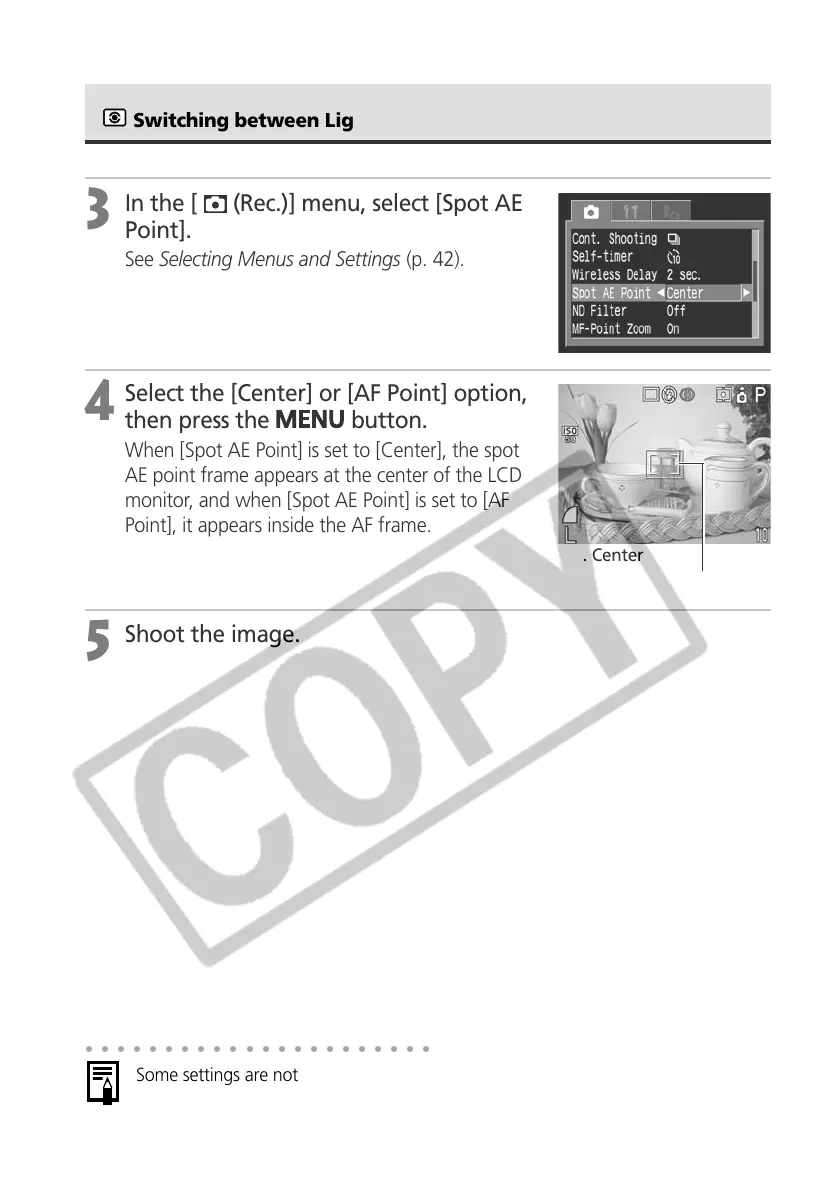
In the [ (Rec.)] menu, select [Spot AE
Point].
See Selecting Menus and Settings (p. 42).
4
Select the [Center] or [AF Point] option,
then press the
button.
When [Spot AE Point] is set to [Center], the spot
AE point frame appears at the center of the LCD
monitor, and when [Spot AE Point] is set to [AF
Point], it appears inside the AF frame.
5
Shoot the image.
○○○○○○○○○○○○○○○○○○○○○○
Some settings are not available with certain Shooting modes. Please refer to
Functions Available in Each Shooting Mode (p. 208).
Spot AE Point Frame
e.g. Center
Switching between Light Metering Modes (continued)



 To Next Page