181
Appendix
4
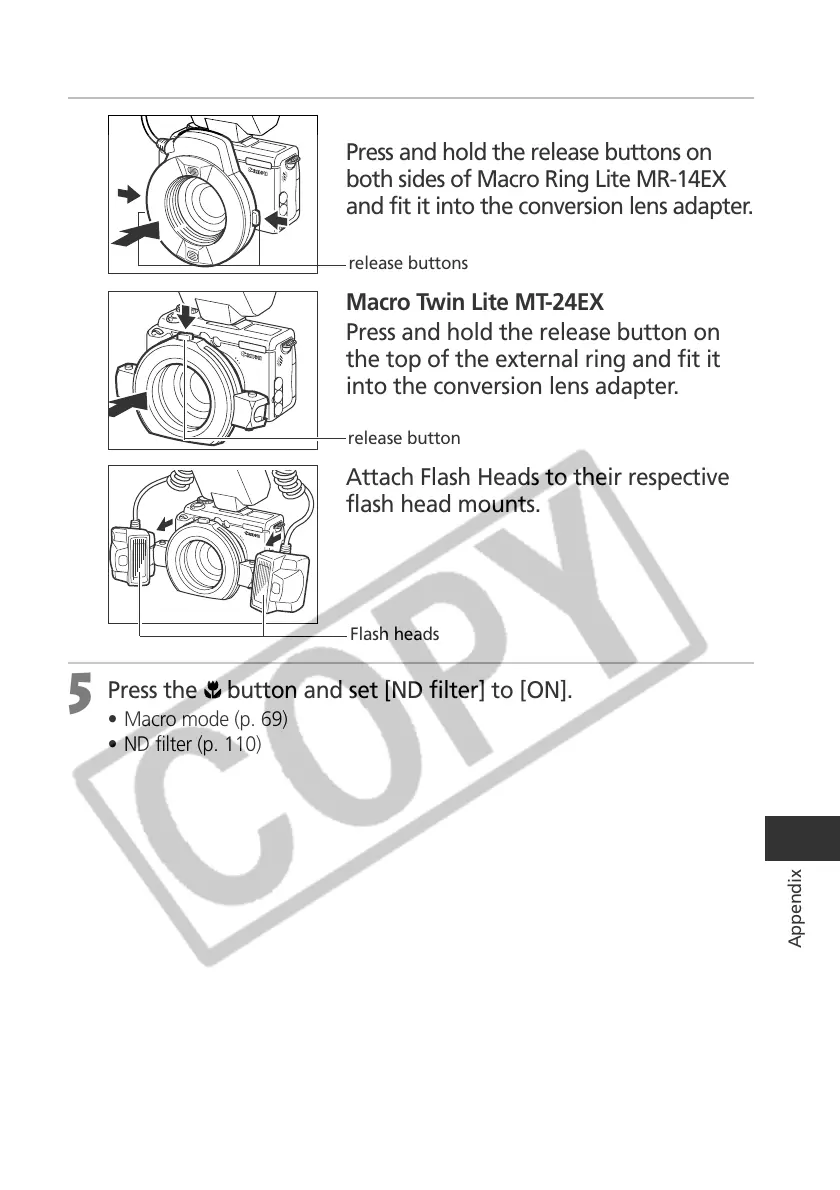
Macro Ring Lite MR-14EX
Press and hold the release buttons on
both sides of Macro Ring Lite MR-14EX
and fit it into the conversion lens adapter.
Macro Twin Lite MT-24EX
Press and hold the release button on
the top of the external ring and fit it
into the conversion lens adapter.
Attach Flash Heads to their respective
flash head mounts.
5
Press the button and set [ND filter] to [ON].
• Macro mode (p. 69)
• ND filter (p. 110)
release buttons
release button
Flash heads



 To Next Page