(iii)
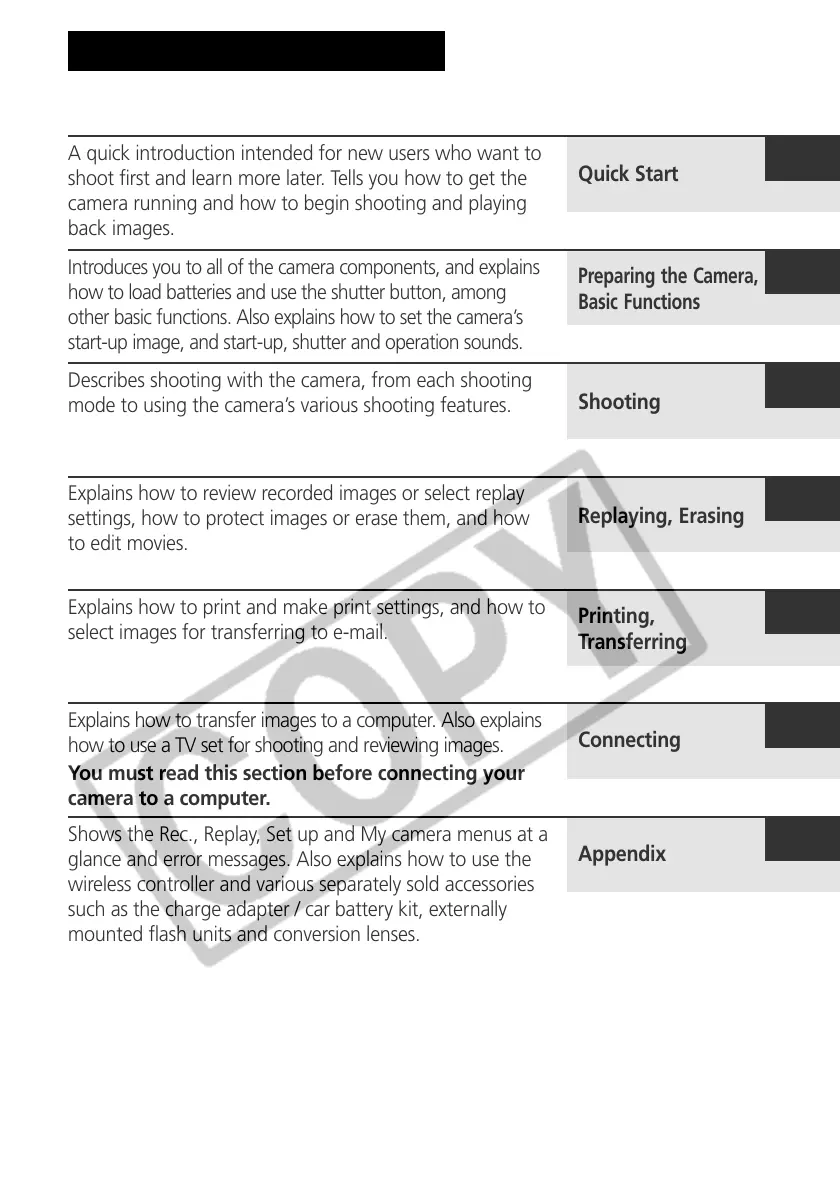
About the Thumb Index
A quick introduction intended for new users who want to
shoot first and learn more later. Tells you how to get the
camera running and how to begin shooting and playing
back images.
Introduces you to all of the camera components, and explains
how to load batteries and use the shutter button, among
other basic functions. Also explains how to set the camera’s
start-up image, and start-up, shutter and operation sounds.
Describes shooting with the camera, from each shooting
mode to using the camera’s various shooting features.
Explains how to review recorded images or select replay
settings, how to protect images or erase them, and how
to edit movies.
Explains how to print and make print settings, and how to
select images for transferring to e-mail.
Explains how to transfer images to a computer. Also explains
how to use a TV set for shooting and reviewing images.
You must read this section before connecting your
camera to a computer.
Shows the Rec., Replay, Set up and My camera menus at a
glance and error messages. Also explains how to use the
wireless controller and various separately sold accessories
such as the charge adapter / car battery kit, externally
mounted flash units and conversion lenses.
Quick Start
Preparing the Camera,
Basic Functions
Shooting
Replaying, Erasing
Printing,
Transferring
Connecting
Appendix



 To Next Page