56
4
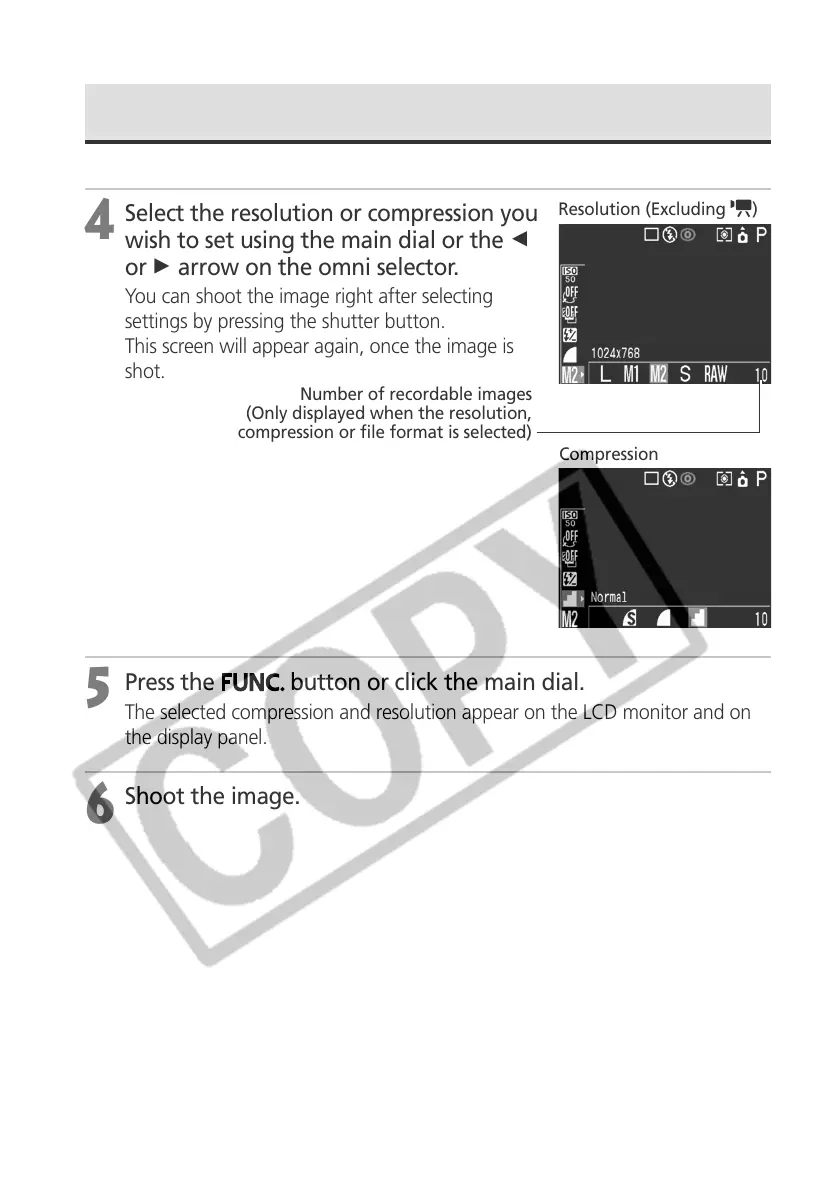
Select the resolution or compression you
wish to set using the main dial or the B
or A arrow on the omni selector.
You can shoot the image right after selecting
settings by pressing the shutter button.
This screen will appear again, once the image is
shot.
5
Press the
button or click the main dial.
The selected compression and resolution appear on the LCD monitor and on
the display panel.
6
Shoot the image.
Changing the Resolution and Compression (continued)
Resolution (Excluding )
Number of recordable images
(Only displayed when the resolution,
compression or file format is selected)
Compression



 To Next Page