67
Shooting - Letting the Camera Select Settings
4
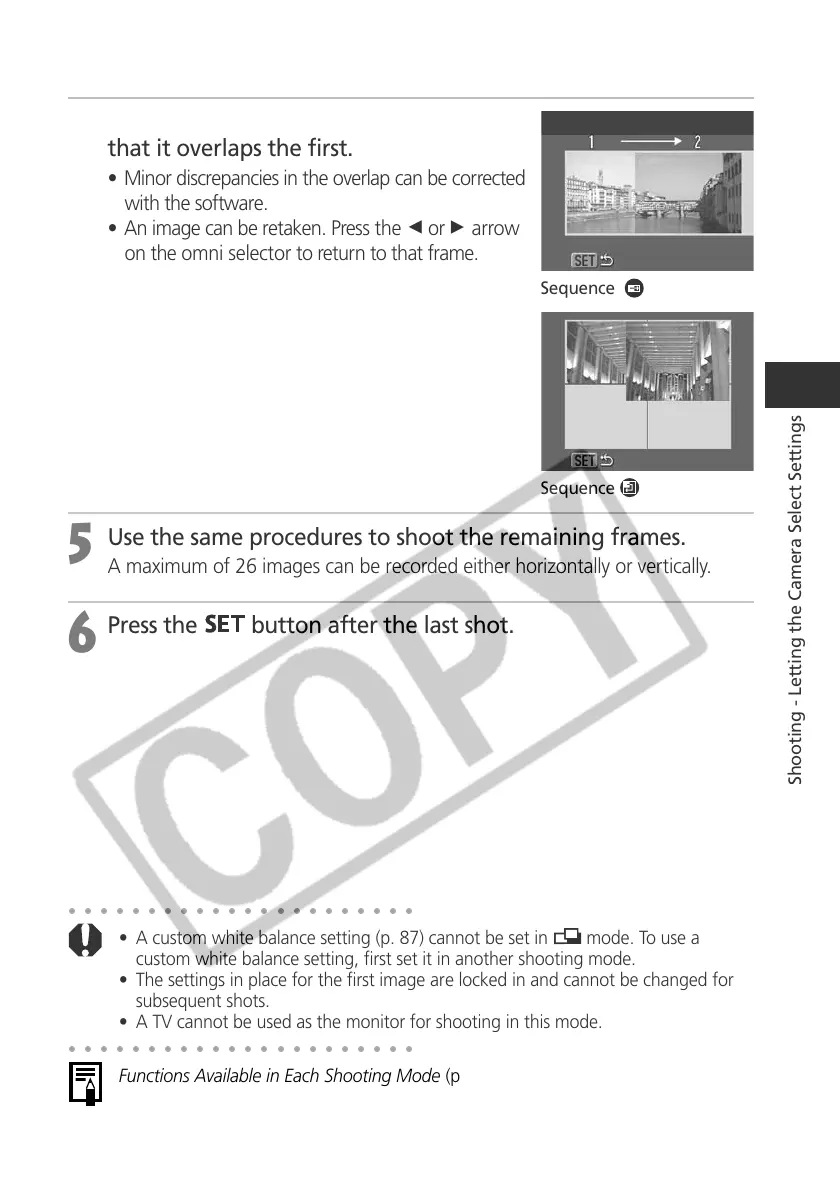
Compose and shoot the second image so
that it overlaps the first.
• Minor discrepancies in the overlap can be corrected
with the software.
• An image can be retaken. Press the B or A arrow
on the omni selector to return to that frame.
5
Use the same procedures to shoot the remaining frames.
A maximum of 26 images can be recorded either horizontally or vertically.
6
Press the
button after the last shot.
Sequence
Sequence
○○○○○○○○○○○○○○○○○○○○○○
• A custom white balance setting (p. 87) cannot be set in mode. To use a
custom white balance setting, first set it in another shooting mode.
• The settings in place for the first image are locked in and cannot be changed for
subsequent shots.
• A TV cannot be used as the monitor for shooting in this mode.
○○○○○○○○○○○○○○○○○○○○○○
Functions Available in Each Shooting Mode (p. 208)



 To Next Page