71
Shooting - Letting the Camera Select Settings
Setting the Number of Seconds until Shooting
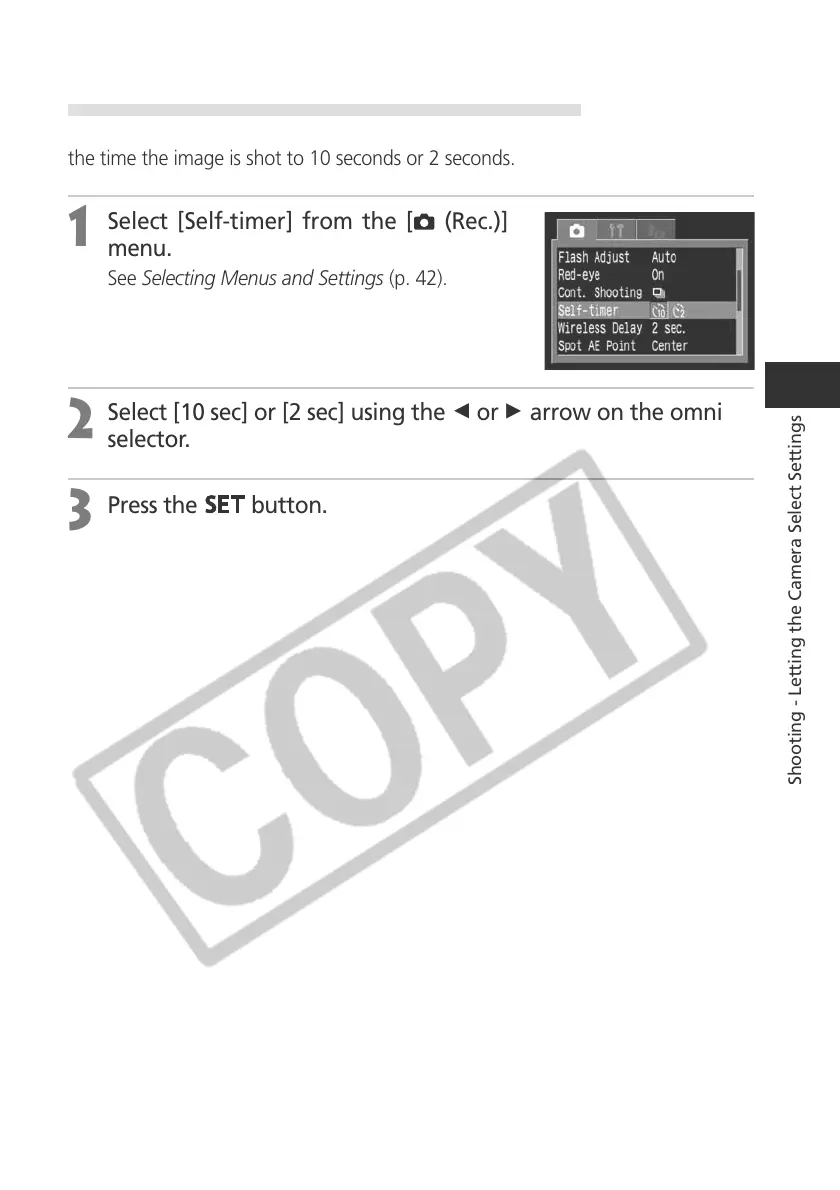
You can set the number of seconds from the time the shutter button is pressed to
the time the image is shot to 10 seconds or 2 seconds.
1
Select [Self-timer] from the [ (Rec.)]
menu.
See Selecting Menus and Settings (p. 42).
2
Select [10 sec] or [2 sec] using the B or A arrow on the omni
selector.
3
Press the
button.



 To Next Page