80
○○○○○○○○○○○○○○○○○○○○○○
• If the shutter speed shows in red in the LCD monitor, the image is under exposed
(insufficient light) or overexposed (too much light). Adjust the aperture value using
the main dial until the shutter speed display turns to white.
• Depending on the zoom position, certain aperture values may not be available.
○○○○○○○○○○○○○○○○○○○○○○
• Functions Available in Each Shooting Mode (p. 208)
• Please note that camera shake becomes a factor at low shutter speeds. If the
camera shake warning
appears in the LCD monitor, secure the camera to a
tripod before shooting.
• In this mode, the shutter speed with synchronized flash is 1/60 second to 1/250
second. The aperture value setting may therefore be changed automatically to
match the synchronized flash speed even if its value was set previously.
• For the correlation between aperture value and shutter speed, see page 78.
Aperture Setting Display
The larger the aperture value, the smaller the lens aperture.
F2.0 F2.2 F2.5 F2.8 F3.0 F3.2 F3.5 F4.0 F4.5 F5.0
F5.6 F6.3 F7.1 F8.0
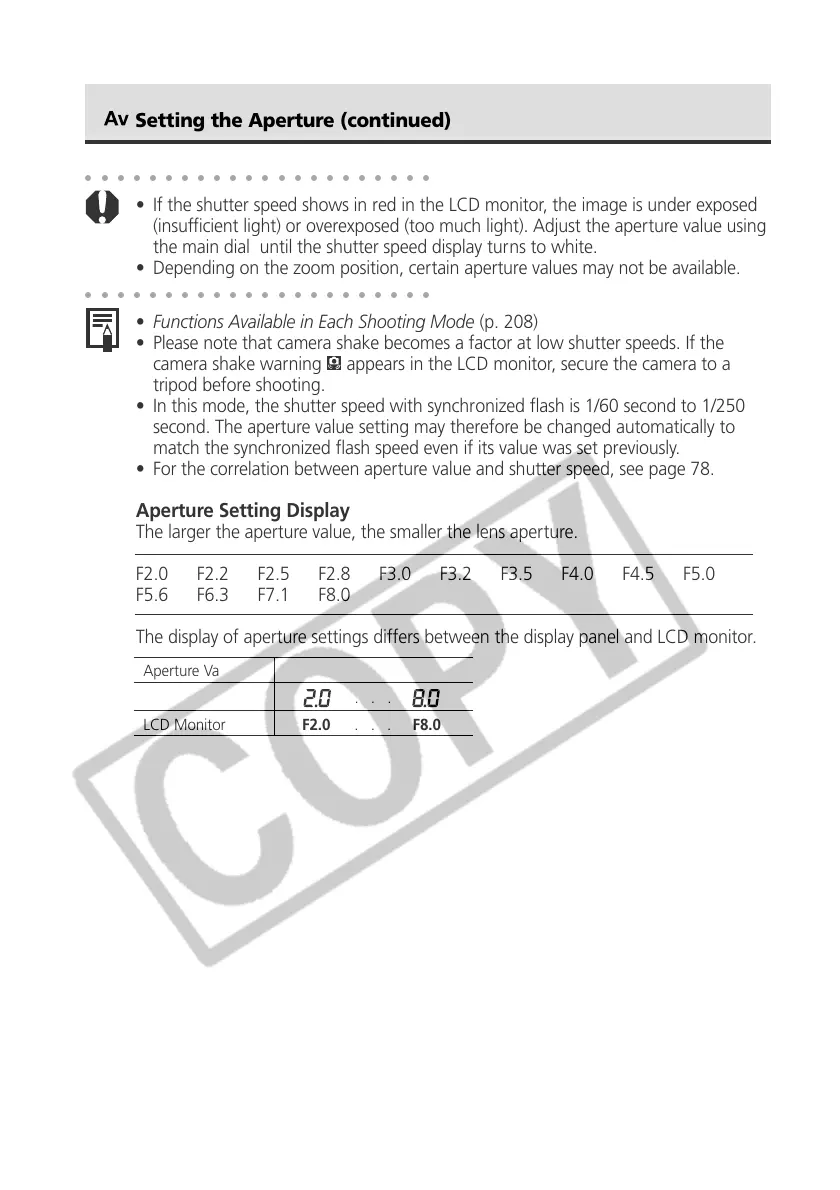
The display of aperture settings differs between the display panel and LCD monitor.
Setting the Aperture (continued)
Aperture Value F2.0 . . . F8.0
Display Panel . . .
LCD Monitor F2.0 . . . F8.0



 To Next Page