90
When is selected
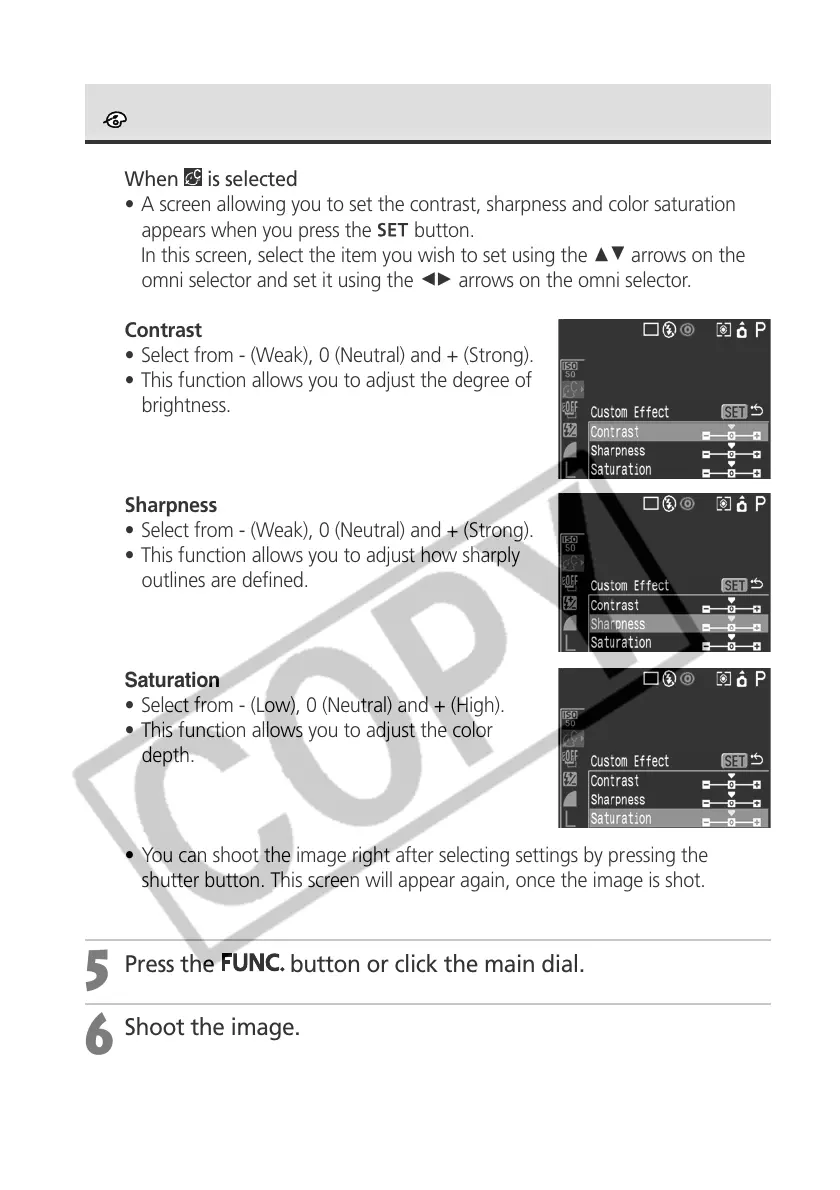
• A screen allowing you to set the contrast, sharpness and color saturation
appears when you press the
button.
In this screen, select the item you wish to set using the CD arrows on the
omni selector and set it using the BA arrows on the omni selector.
Contrast
• Select from - (Weak), 0 (Neutral) and + (Strong).
• This function allows you to adjust the degree of
brightness.
Sharpness
• Select from - (Weak), 0 (Neutral) and + (Strong).
• This function allows you to adjust how sharply
outlines are defined.
Saturation
• Select from - (Low), 0 (Neutral) and + (High).
• This function allows you to adjust the color
depth.
• You can shoot the image right after selecting settings by pressing the
shutter button. This screen will appear again, once the image is shot.
5
Press the
button or click the main dial.
6
Shoot the image.
Changing the Photo Effect (continued)



 To Next Page