2
2
2-2
2-2
Technology > Technology (Reader) > Basic Sequence > Basic Sequence at Start Key ON (ADF mode/1 original)
Technology > Technology (Reader) > Basic Sequence > Basic Sequence at Start Key ON (ADF mode/1 original)
Technology (Reader)
Basic Sequence
■
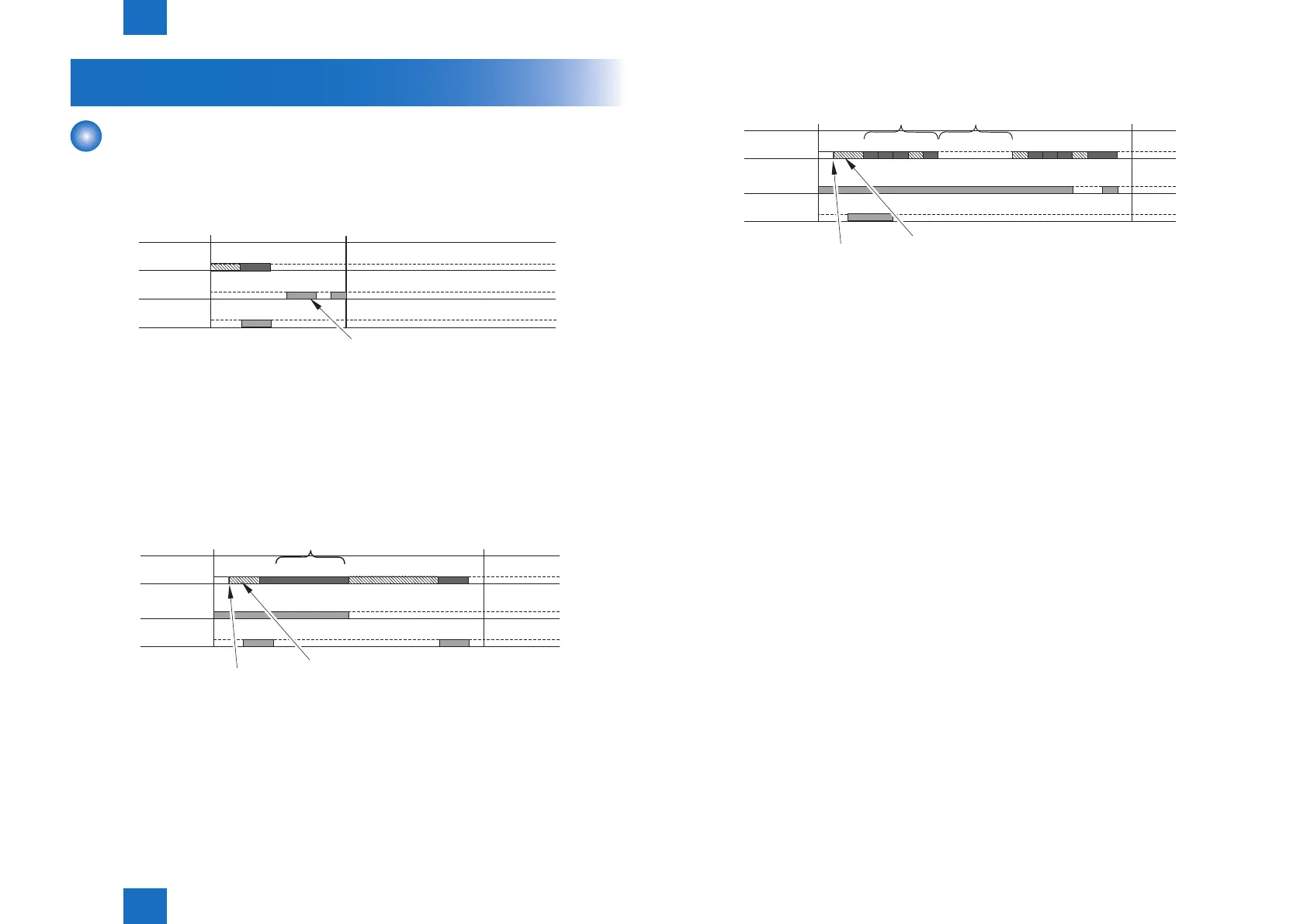
Basic Sequence at Power-On
ON STBY
B F
( )
Light-ON
(LED)
ON
CCD adjustment
(CCD
HPsensor)
Scanner motor
Footnote
• F: Scanner motor moves forward (toward right).
• B: Scanner motor moves backward (toward left).
• Light-ON: LED on CCD unit lights-on.
• ON: When CCD HP sensor (photo interrupter type) detects.
■
Basic Sequence at Start Key ON (book mode/1 original)
(Scanner motor)
Shading correction
Light-ON
Copy start
In reading
End
F
F
B
B
ON ON
White board duct detection control
(LED)
(CCD HP
sensor )
Footnote
• F: Scanner motor moves forward (toward right).
• B: Scanner motor moves backward (toward left).
• Light-ON: LED on CCD unit lights-on.
• ON: When CCD HP sensor (photo interrupter type) detects.
F-2-1
F-2-2
■
Basic Sequence at Start Key ON (ADF mode/1 original)
Copy start
Dust detection control
In stream reading
End
B F F F B F
B B
F F F F
(Scanner motor)
Light-ON
ON
Shading correction
White board duct detection control
Light-ON
(LED)
(CCD HP
sensor )
Dust detection control
This is activated when any of the following conditions is true.
• Dust has been detected in all 3 locations at previous 1 job.
• Dust detection could not be activated due to JAM etc at previous job.
Footnote
• F: Scanner motor moves forward (toward right).
• B: Scanner motor moves backward (toward left).
• Light-ON: LED on CCD unit lights-on.
• ON: When CCD HP sensor (photo interrupter type) detects.
F-2-3



 To Next Page