4
4
4-13
4-13
Parts Replacement and Cleaning Procedure > External Covers (DADF) > Removing the Rear Cover
Parts Replacement and Cleaning Procedure > External Covers (DADF) > Removing the Rear Cover
External Covers (DADF)
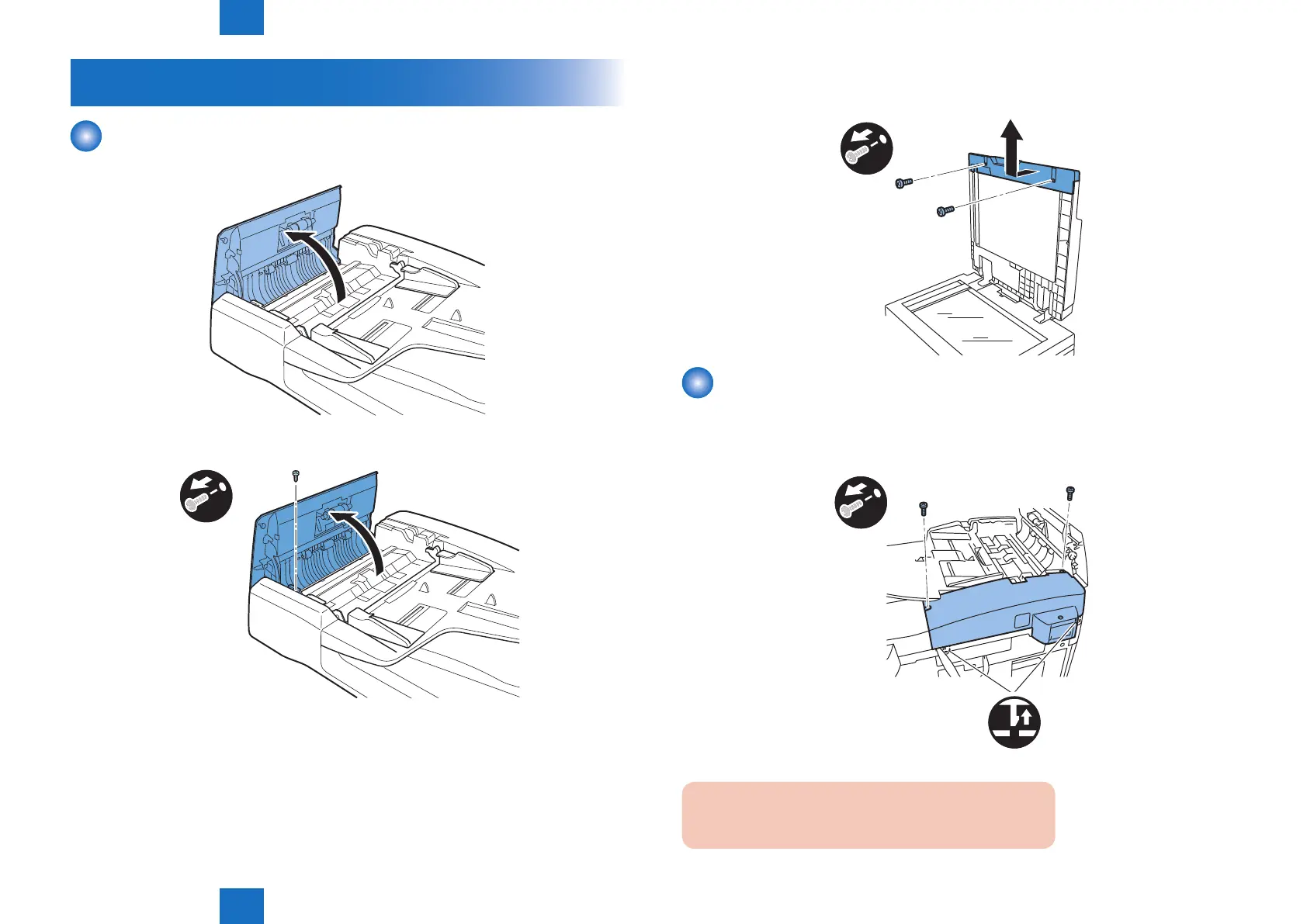
Removing the Front Cover
1) Open the feeder cover.
2) Remove the screw.
x1
3) Open the DADF.
F-4-23
F-4-24
4) Detach the front cover.
- Screw 2 pcs.
x2
Removing the Rear Cover
1)Open the feeder cover.
2) Move to the back of the host machine and detach the rear cover
- Screw 2 pcs.
x2
Caution:
Remove the rear cover with the two claws released.
F-4-25
F-4-26



 To Next Page