4
4
4-14
4-14
Parts Replacement and Cleaning Procedure > External Covers (DADF) > Removing the Feeder Cover
Parts Replacement and Cleaning Procedure > External Covers (DADF) > Removing the Feeder Cover
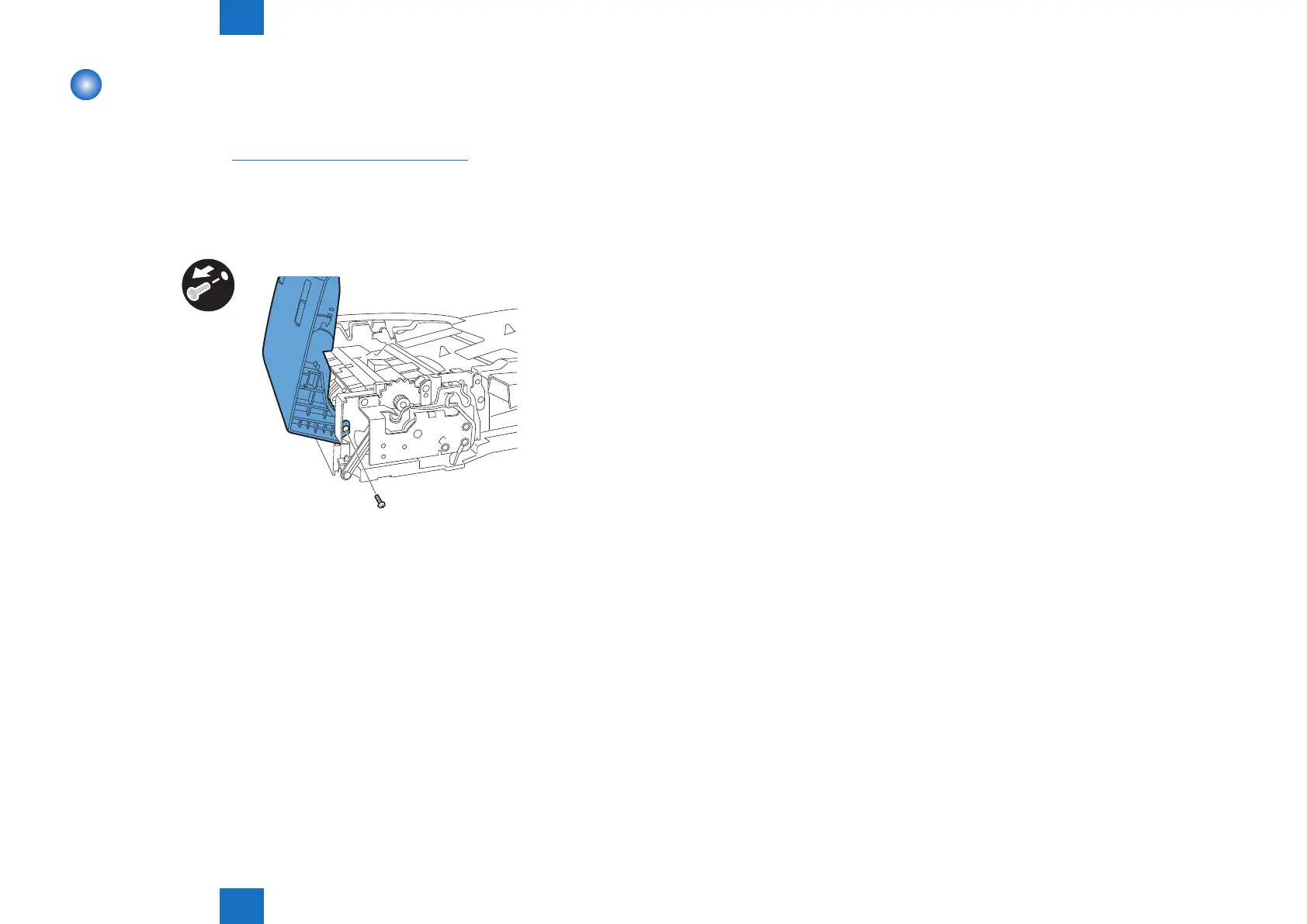
Removing the Feeder Cover
1) Open the feeder cover.
2) Open the DADF.
3) Detach the front cover.("Removing the Front Cover"(page 4-13).)
4) Close the DADF.
5) Remove the feeder cover.
- Screw 1 pc.
- Positioning pin 1 pc.
x1
F-4-27



 To Next Page