4
4
4-6
4-6
Parts Replacement and Cleaning Procedure > Main Units/Parts (Reader) > Removing the CCD Unit
Parts Replacement and Cleaning Procedure > Main Units/Parts (Reader) > Removing the CCD Unit
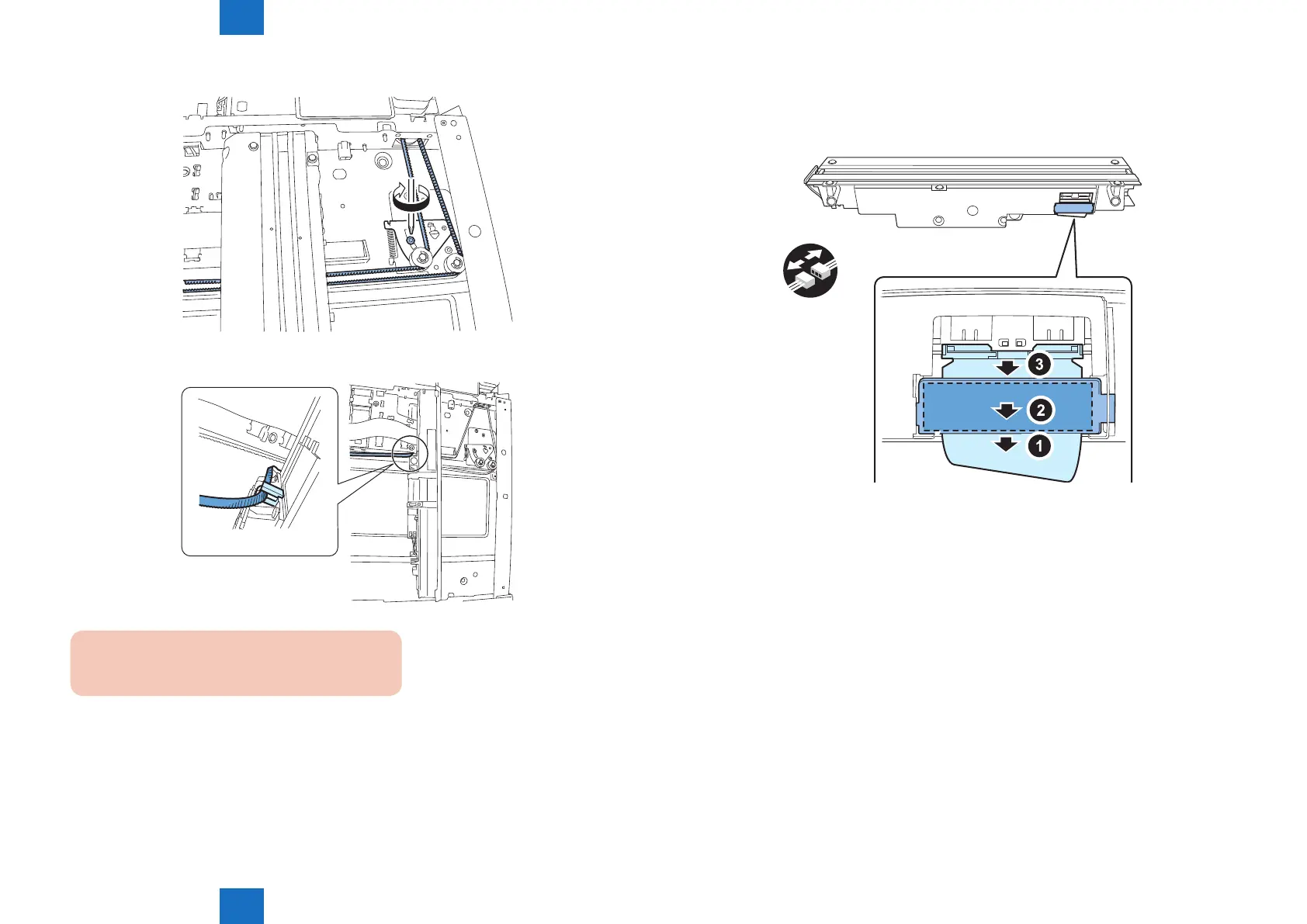
9) Loosen the screw, and then loosen the belt.
10)Remove the belt from the hook at the back of the CCD unit.
CAUTION:
Do not touch the LED on the CCD unit.
F-4-12
F-4-13
11)Remove the CCD unit.
• Cable retainer
• CCD exible cable
• Core
x1
F-4-14



 To Next Page