4
4
4-29
4-29
Parts Replacement and Cleaning Procedure > Clutch Solenoid Motor Fan PCB (DADF) > Removing the Release Motor HP Sensor(SR11)
Parts Replacement and Cleaning Procedure > Clutch Solenoid Motor Fan PCB (DADF) > Removing the Release Motor HP Sensor(SR11)
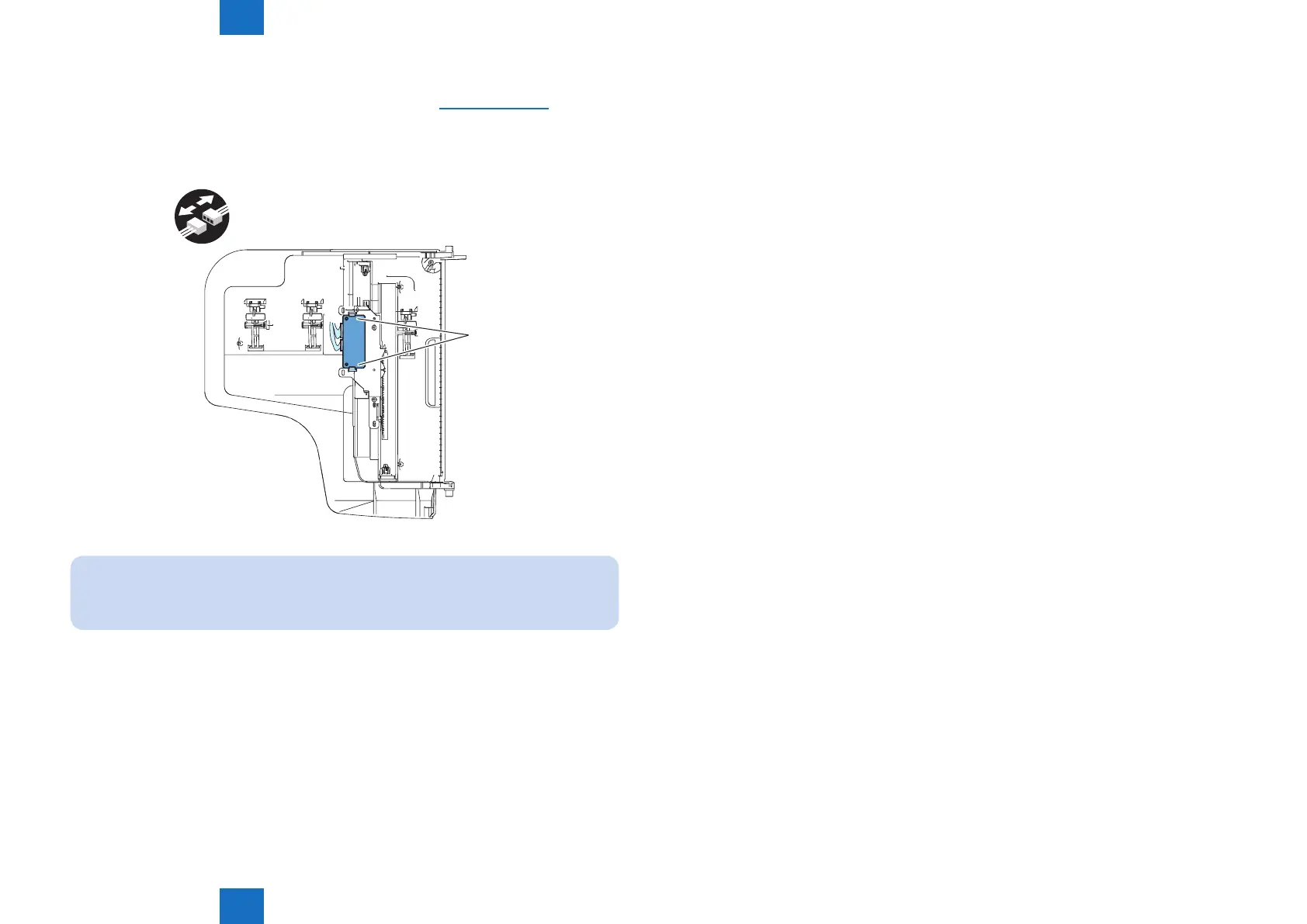
Removing the Document Width Sensor(PS1,PS2)
1) Detach the cover on the reverse side of the document tray.(Refer to page 4-27)
2)Remove the Tray PCB.
- Fook 2 pcs
- Connector 2 pcs.
x2
Fook
NOTE:
Because the exchange of the manuscript width discovery sensor (PS1/PS2) simple
substance is not possible, change Tray PCB at the time of exchange.
F-4-68



 To Next Page